This is a step-by-step guide on how to update the squads in FC 27. If your squads are outdated, you may not see recent transfers or changes made by the developers.
Keeping your squads updated in FC 27 is useful if you want the latest player transfers, team changes, ratings, and other squad updates reflected in your game.
Watch: Juggle Ball In FC 27
Update Squads In FC 27
To update squads in FC 27, launch the game on your console or PC and wait for the main menu to load.
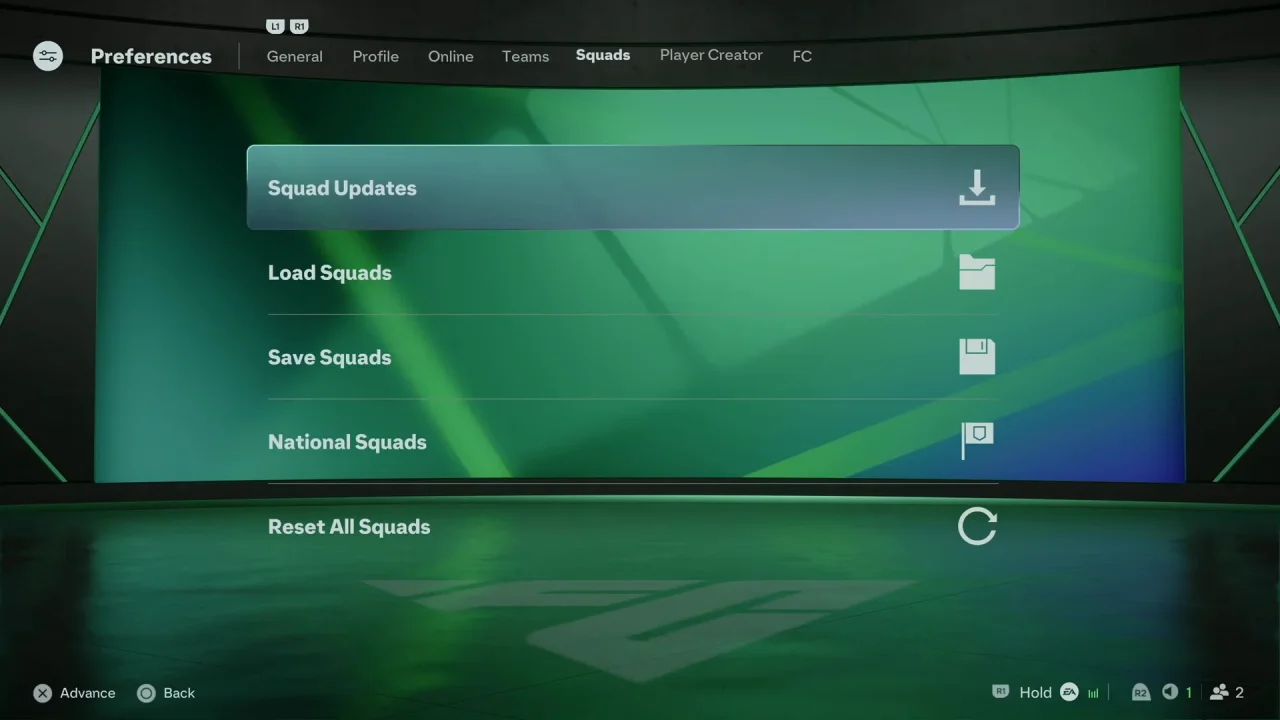
From the main menu, look for the Preferences option and open it. Navigate through the game menus until you find the option related to Squads.
Select the Squad Updates option to check for the latest available squad update.
If a new squad update is available, select the Yes option to download or apply it.
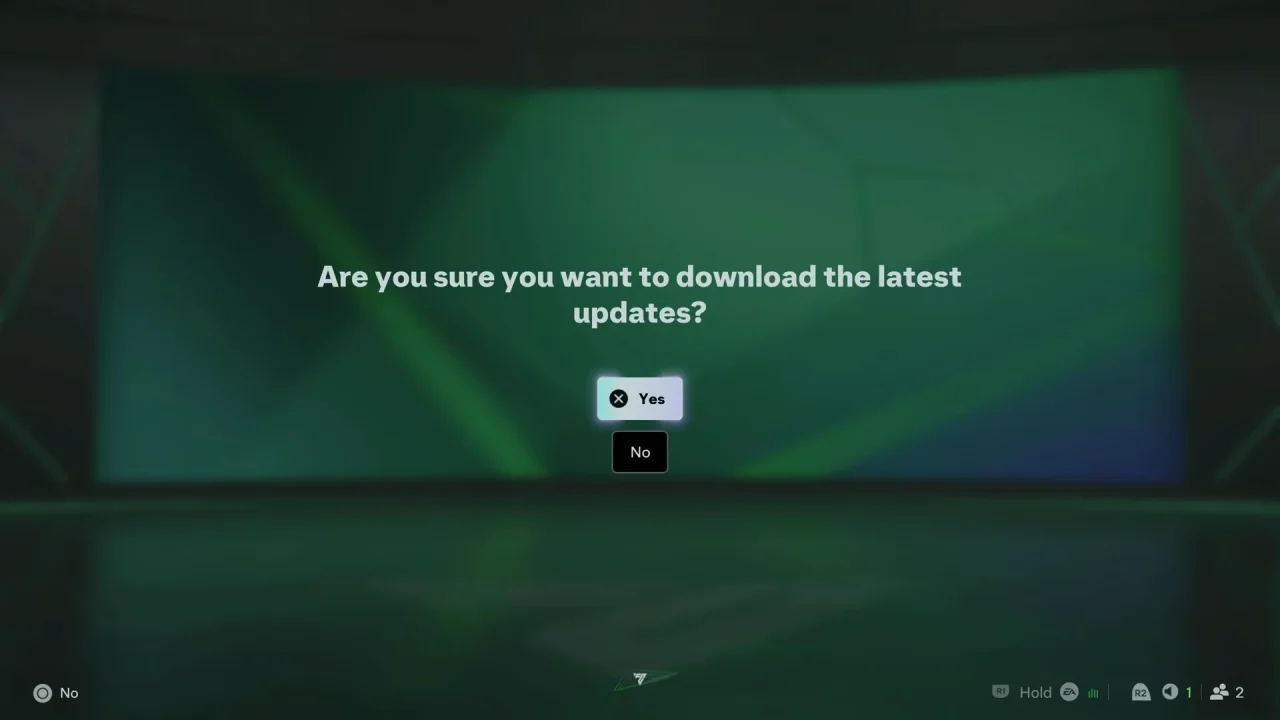
Make sure your device is connected to the internet while the update is being downloaded.
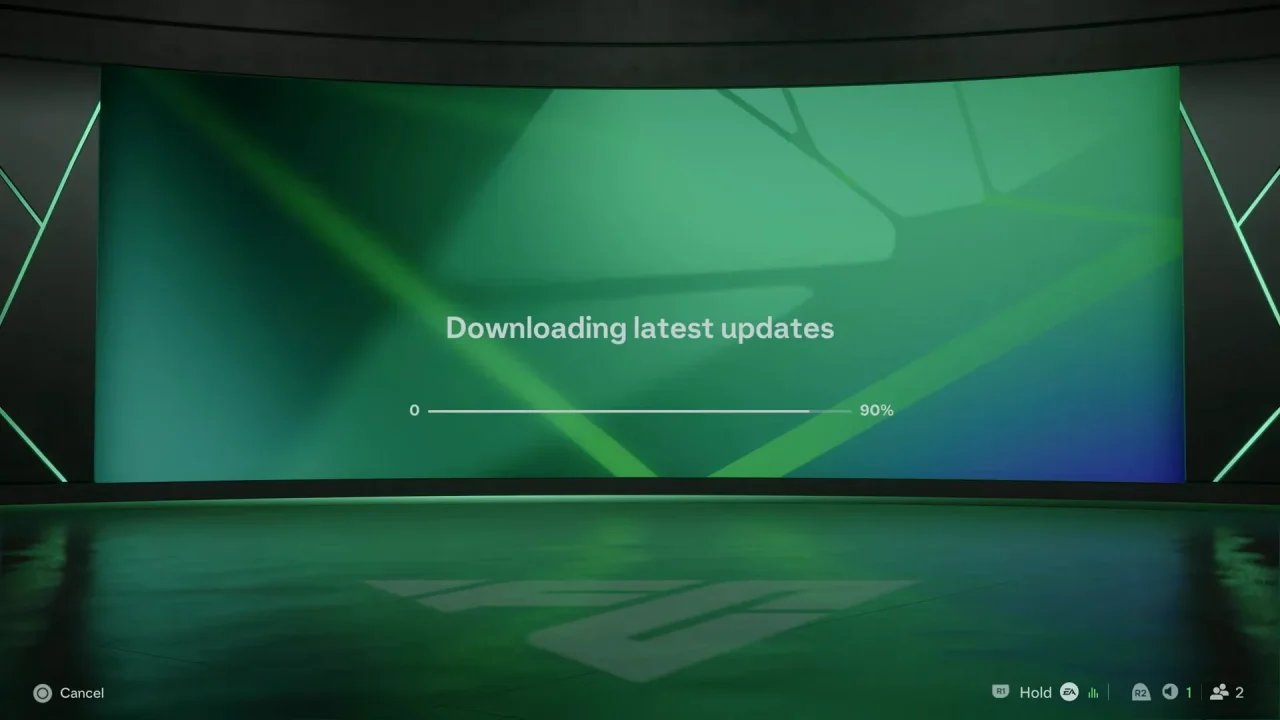
Once the update finishes, return to the relevant game mode and check your squads. You should now have the latest available player transfers, team lineups, and other squad changes.
Updating squads can bring the latest available changes to your game, such as recent player transfers, updated team rosters, player rating changes, updated lineups and other squad-related changes.
Keep in mind that squad updates can vary depending on when EA releases them and whether your game is connected to the internet.