Here’s how to play online with other players in FC 27. This allows you to access online multiplayer and connect with other players so you can enjoy EA SPORTS FC 27 matches online.
Playing online with other players in FC 27 lets you compete against friends and players from around the world.
Whether you want to play a quick online match or compete in one of the game’s online modes, getting started is straightforward.
Watch: Enable Power Shot Zoom In FC 27
Play Online With Other Players In FC 27
The first step is to ensure you have an active PS+ subscription if you’re on a PS5 console. If you’re on an Xbox console, you will require an active Game Pass subscription.
Next, launch FC 27 on your console or gaming platform. From the main menu, select the Seasons option.
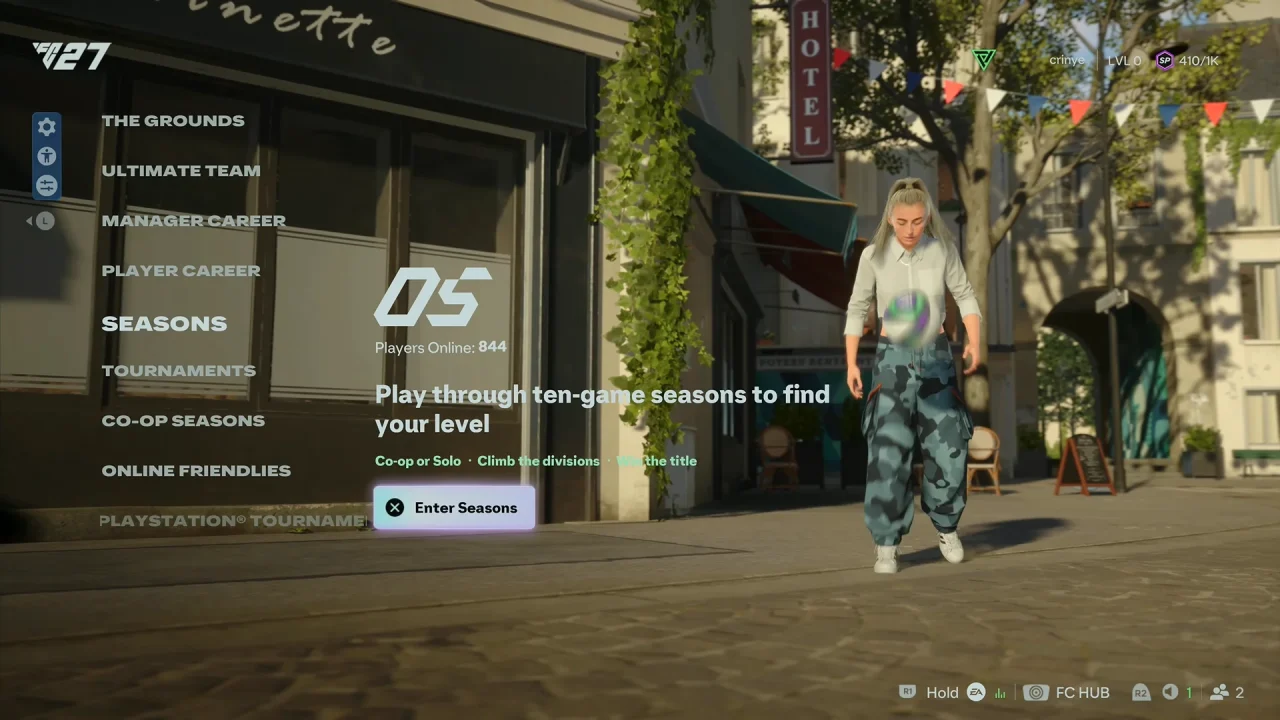
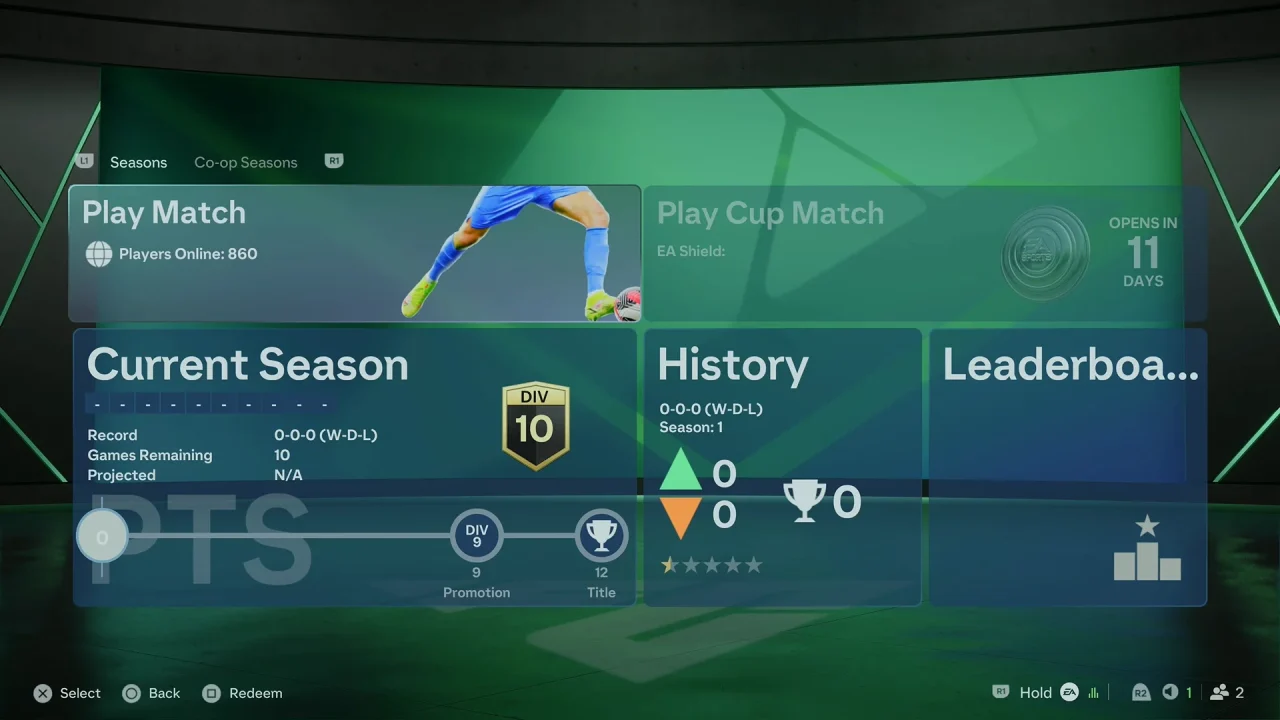
Choose Play Match to play a match online. Once you select this option, you will now have the option to customize the match.
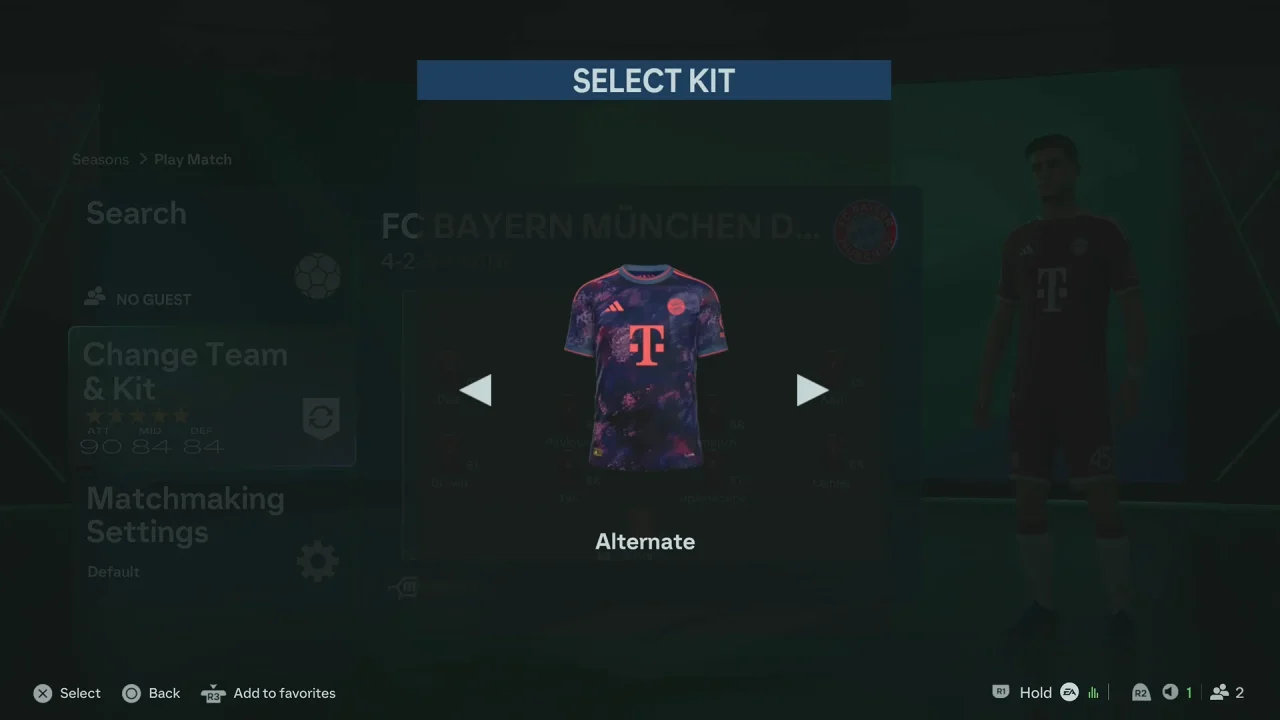
Select Change Team & Kit. Select your team and the kit you prefer and adjust any available match settings.
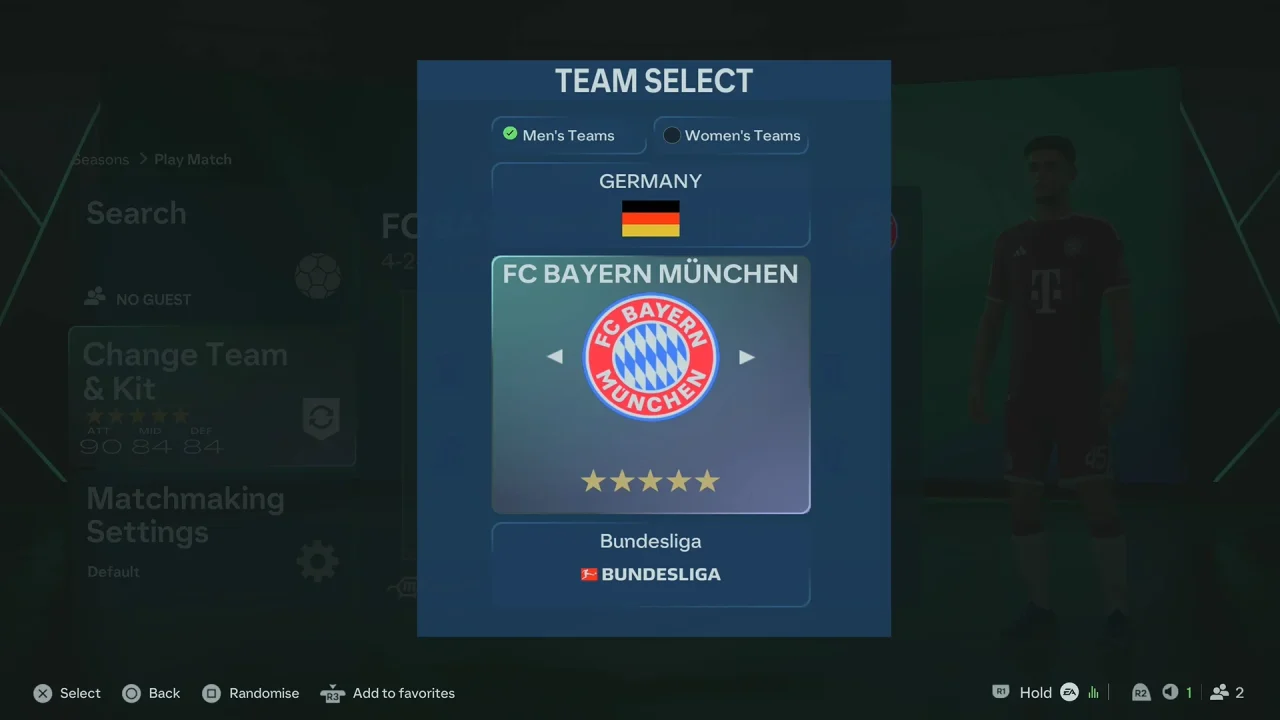
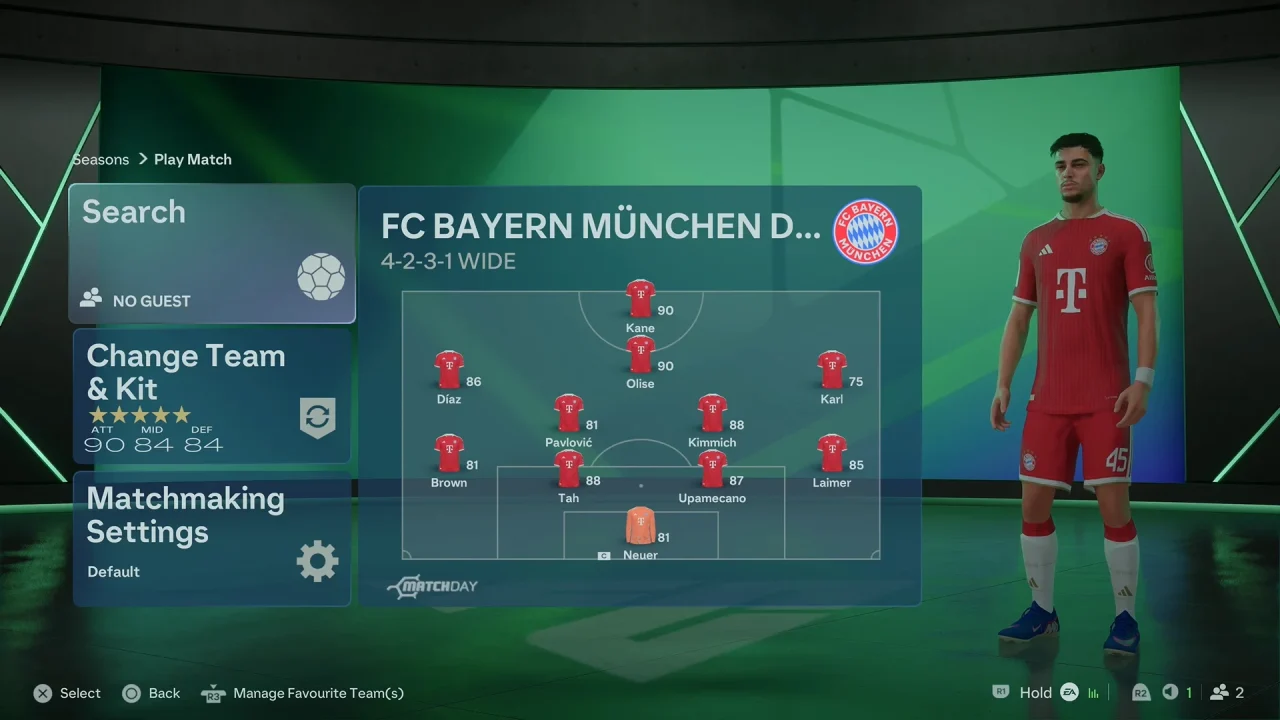
If you want to play with a friend, select the Search option. Wait for your opponent to be found, to accept the invitation and join the match.
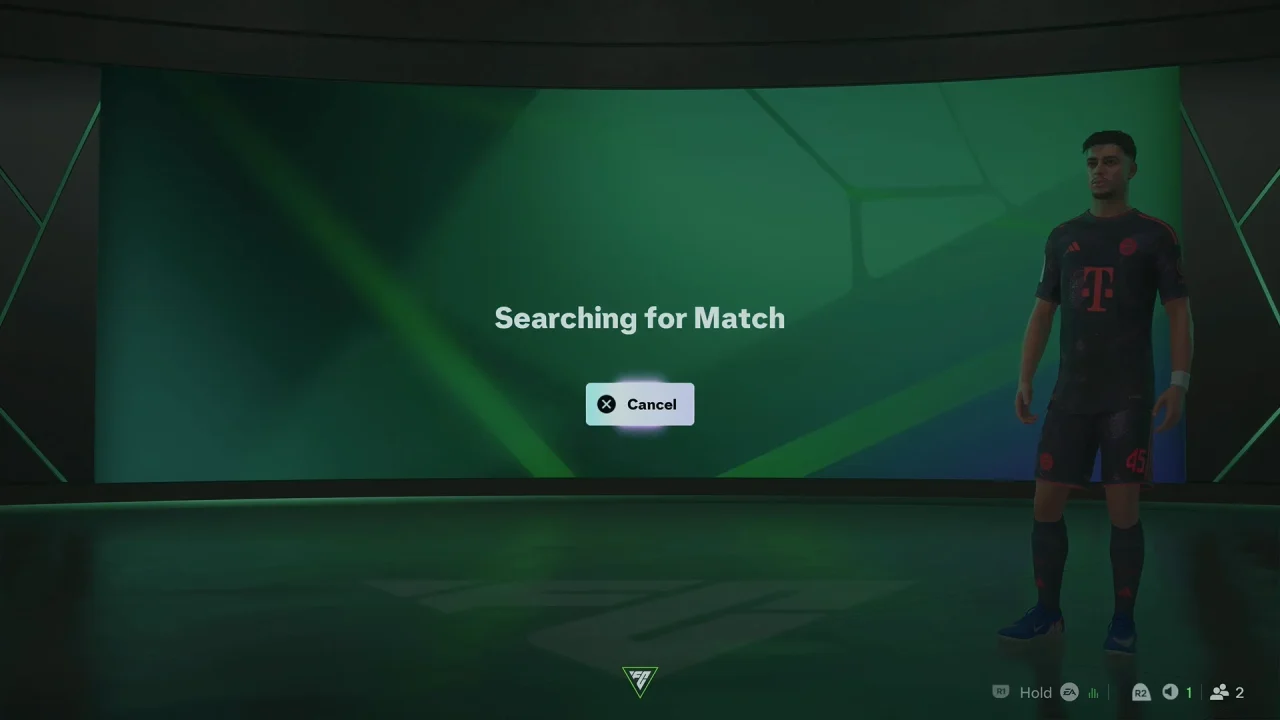
Once both players are ready, start the match and play against each other online.
Playing Against Random Online Players
If you don’t have a friend available, you can usually select an online mode that uses matchmaking. FC 27 will search for another player who is available to play.
Select the desired online mode, start matchmaking, and wait for an opponent to be found. Once matched, choose your team or lineup if required and begin the game.
Things You Need For Online Play
Before playing online, make sure your console or platform is connected to the internet. Also, ensure you are signed into the required gaming account.
Your FC 27 game also needs to be up-to-date and that your connection is stable enough for online gameplay.
If you are playing with a friend, make sure both players have the appropriate version of FC 27 and that the game’s supported online or cross-play requirements are met.