In this step-by-step guide, we’re going through the process to enable & disable the power shot zoom feature in FC 27.
EA SPORTS FC 27 gives you several options for customizing the way the game looks and feels during matches. One of these settings is Power Shot Zoom, which controls whether the camera zooms in when you perform a Power Shot.
If you prefer a more dramatic camera effect when taking powerful shots, you can enable Power Shot Zoom. If you find the zoom distracting or prefer a consistent camera view, you can disable it.
Read: How To Enable / Disable Corner Kick Trajectory In FC 27
Enable & Disable Power Shot Zoom In FC 27
First, launch FC 27 and enter the main menu or pause the game if you’re in a match. Open Settings and select Game Settings.
Navigate to the Visual section and look for the Power Shot Zoom option. Change the setting to On to enable the zoom effect.
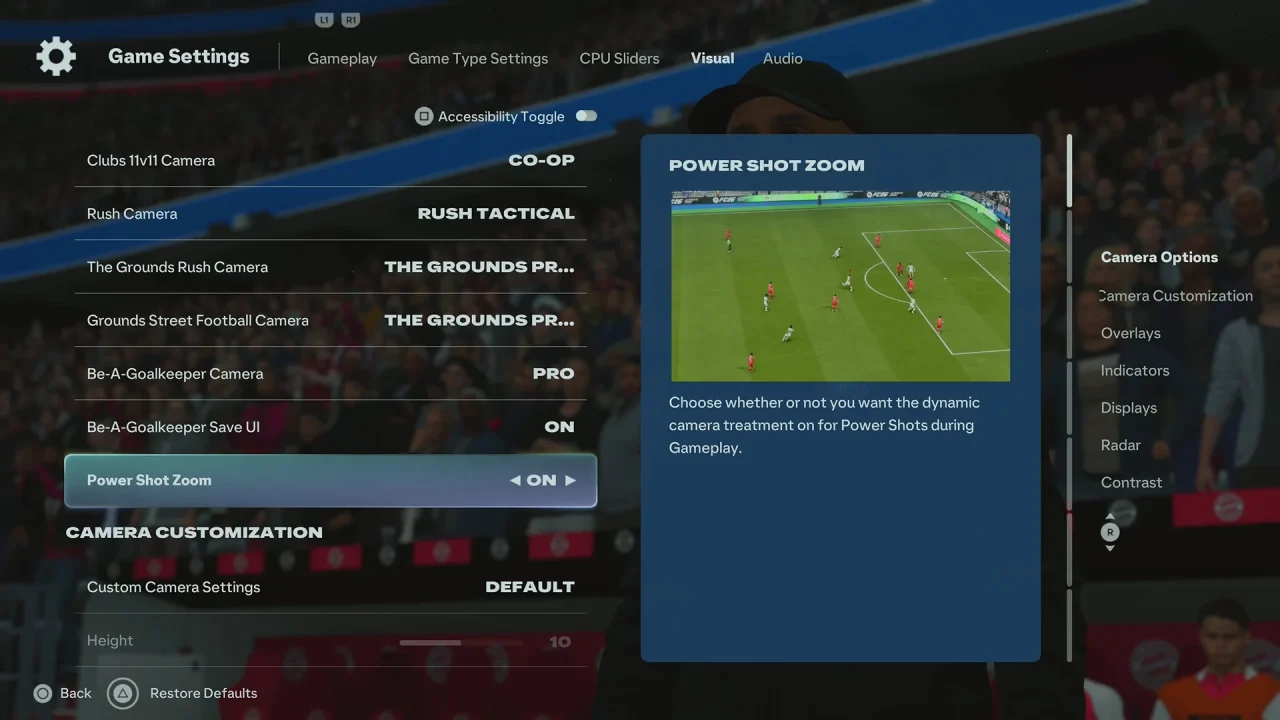
When Power Shot Zoom is enabled, the camera can move closer to the action when you perform a Power Shot. This can make powerful shots feel more impactful and visually dramatic.
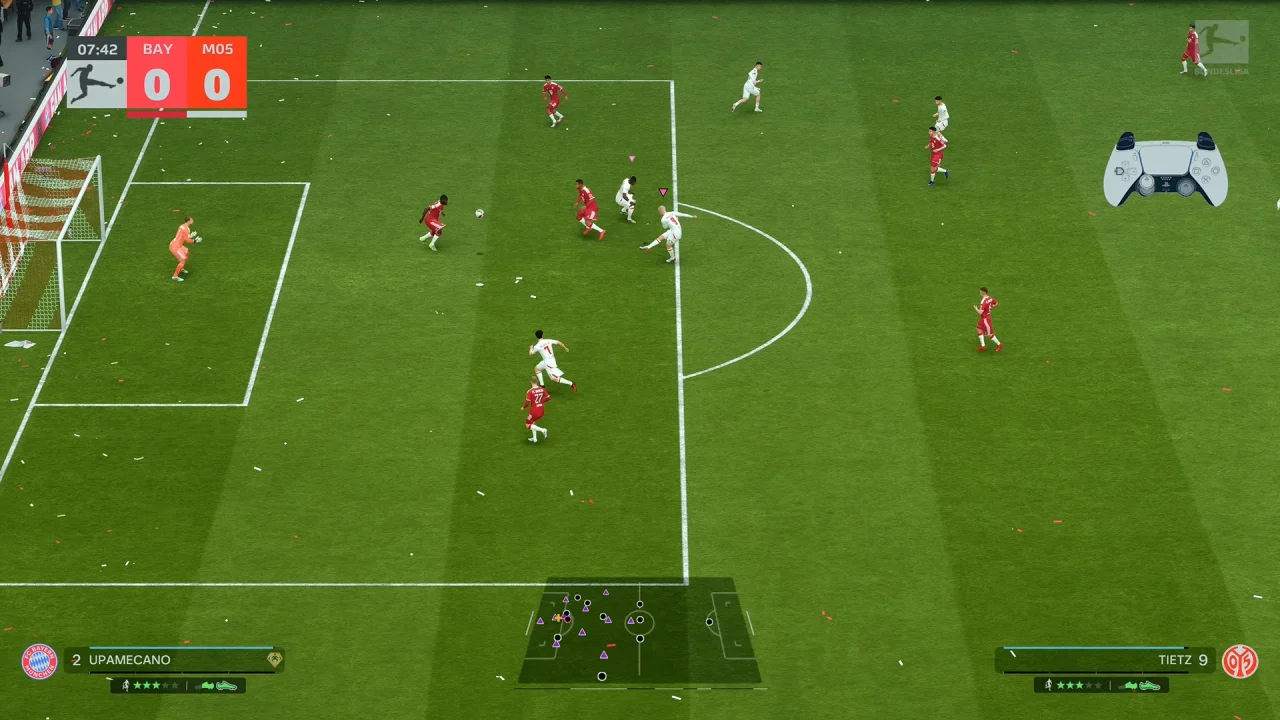
Select Off if you want to disable Power Shot Zoom. Return to your game and test the new camera behavior.
When disabled, the camera maintains a more consistent view instead of applying the additional zoom effect during Power Shots.
Why Disable Power Shot Zoom?
You may want to turn this feature off if the camera movement makes it harder to follow the play. Keeping it disabled can provide a more consistent view, particularly if you prefer predictable camera movement while attacking.