Read: How To Enable / Disable Handball Rule In FC 27
Learning how to perform a Finesse Shot in FC 27 can give you another effective shooting option when you have space around the edge of the penalty area. Instead of relying entirely on power, the Finesse Shot focuses on placing the ball toward the corners of the goal with added curl.
This can be particularly useful when the goalkeeper is positioned away from the target area or when you are approaching the goal from an angle. Mastering the timing, direction, and power of the shot can make it easier to create dangerous scoring opportunities.
Whether you are playing Career Mode, Ultimate Team, or another game mode, understanding how to perform a Finesse Shot can improve your attacking options. In this guide, we’ll explain the controls you need to use and provide simple tips to help you perform Finesse Shots more consistently during matches.
Perform Finesse Shot In FC 27
First, move your player into a good shooting position, preferably with some space between the player and the defender. Then, aim toward the area of the goal where you want the ball to curl.
Next, hold the Finesse Shot modifier while pressing the Shoot button. On PlayStation controllers, this is typically R1 + Circle, while Xbox players generally use RB + B.
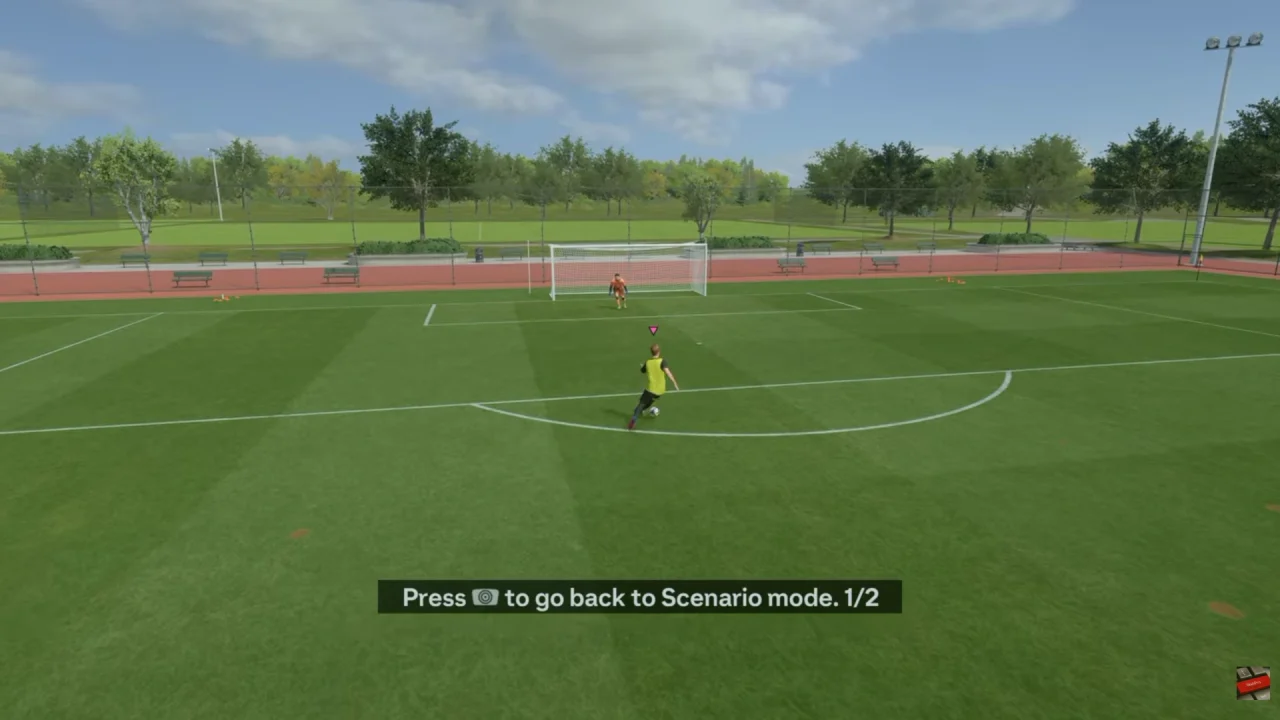
After that, use the left stick to aim toward the desired corner. Be careful not to over-aim, as excessive directional input can send the ball wide.
Finally, adjust your shot power according to the distance from goal. A controlled amount of power is generally more suitable for closer attempts, while longer-range efforts may require additional power.
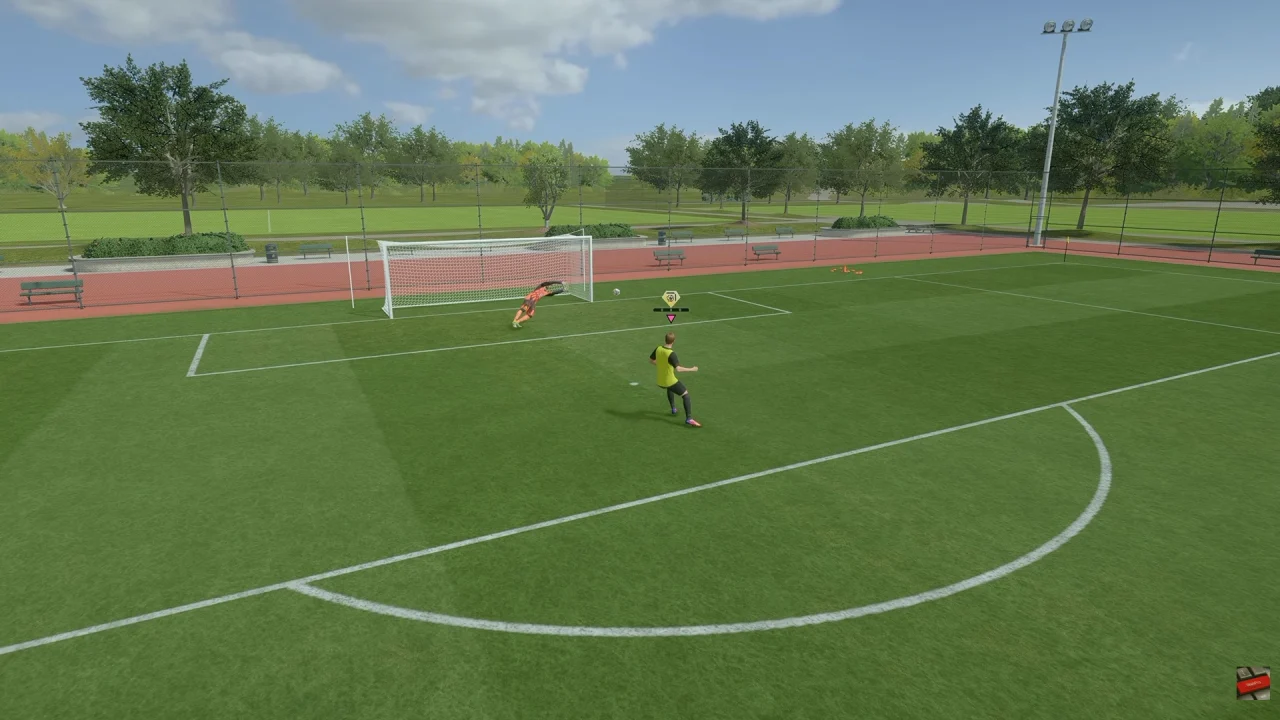
With practice, you can combine positioning, aiming, timing, and shot power to make your Finesse Shots more consistent and add another attacking weapon to your FC 27 gameplay.