Read: How To Enable Radar In FC 27
Learning how to Perform Fake Shot in FC 27 can give you a useful skill for confusing opponents and changing direction quickly. A fake shot makes your player perform a shooting animation without actually taking the shot, allowing you to deceive defenders, cancel certain movements, or create space in attacking areas.
It can be especially effective when approaching the penalty area, facing a defender one-on-one, or trying to make the goalkeeper commit to a movement. Combining the fake shot with directional input can also help your player turn sharply and maintain possession.
Mastering the timing is important because using the move at the right moment can make it much more effective. In this guide, we’ll explain the controls for performing a fake shot in FC 27 and provide simple tips to help you use the move effectively during matches.
Perform Fake Shot In FC 27
First, control your player while moving toward the defender or into an attacking position. Then, press the Shoot button and quickly press the Pass button.
On PlayStation, press Circle, then quickly press X. On Xbox, press B, then quickly press A.
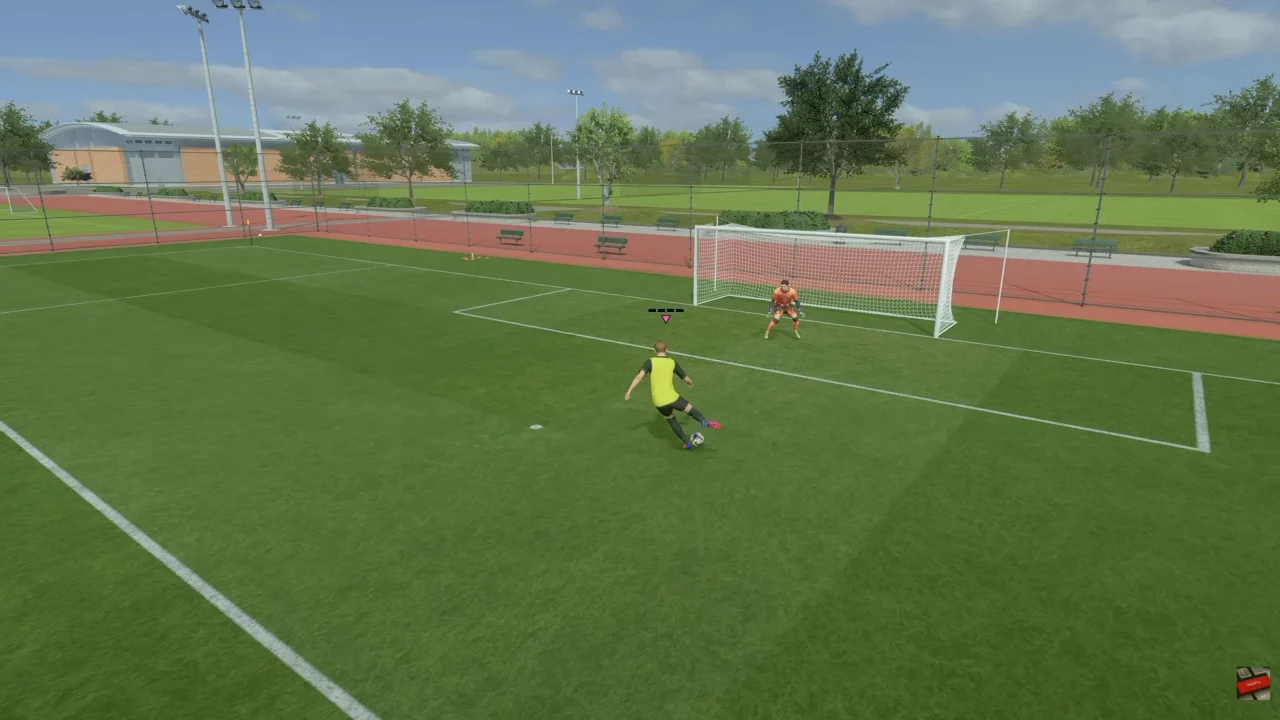
Next, use the Left Stick in the direction you want your player to move if you want to combine the fake shot with a quick change of direction.
Finally, practice the timing in different situations. Using a fake shot near defenders or the goalkeeper can help create space and make your attacks less predictable.
Watch: How To Enable Radar In FC 27