Juggling the ball in FC 27 is a useful skill for practicing your close control, improving your touch, and showing off your technical ability.
It allows your player to repeatedly keep the ball in the air using controlled touches.
In this guide, we’ll show you how to juggle the ball in FC 27 and provide some tips to help you perform the move more consistently.
Read: How To Play Online With Other Players In FC 27
Juggle Ball In FC 27
To start juggling, launch FC 27 and enter a game mode where you can control a player. Make sure your player has enough space around them to perform the skill.
Press and hold the L2 (PS5) or LT (Xbox) button. While holding L2/LT, repeatedly tap the R1 (PS5) or RB (Xbox) button to perform ball juggles. Continue tapping the button to keep the ball in the air.
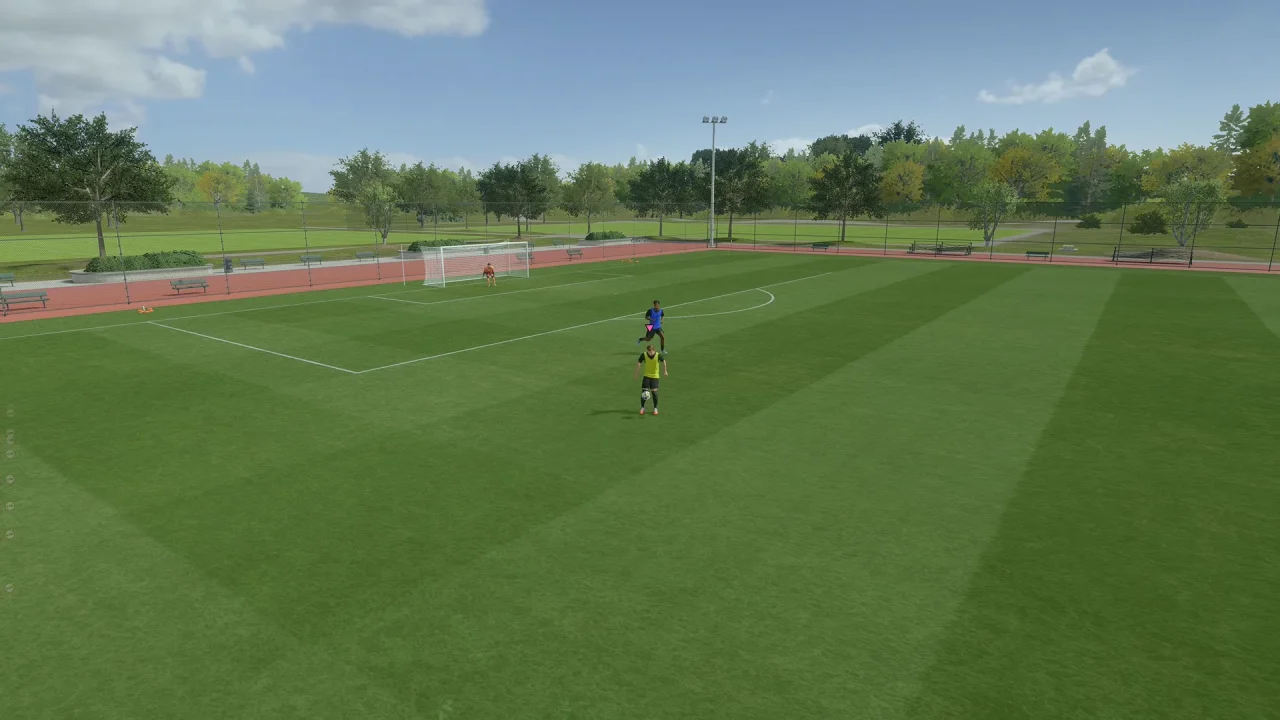
The exact controller input can vary depending on your control configuration, so check your controller settings if the move does not work as expected.
Tips For Juggling
Juggling becomes easier with practice. Try performing it while standing still before attempting it while moving around the pitch.
You can also experiment with different timing between button presses. Tapping too quickly or too slowly can cause the ball to drop.
Practicing in the Practice Arena is a good way to learn the timing without the pressure of an actual match.
Why Practice Ball Juggling?
Learning to juggle can help you become more comfortable with FC 27’s skill controls and ball physics. It is also useful for practicing your timing and getting familiar with technical moves.
Once you become comfortable with basic juggling, you can practice combining it with other skills and movements.