Here’s how to change the Stadium Shadows setting in FC 27. Turning this setting off can make the pitch look more consistent and may make it easier to see players and the ball in certain stadiums.
EA SPORTS FC 27 includes a Stadium Shadows setting that allows you to enable or disable stadium-related shadows during matches. This changes the way shadows appear on the pitch.
Watch: Enable Player Shadows In FC 27
Enable & Disable Stadium Shadows In FC 27
To start, launch the EA FC 27 game and wait for the main menu to load. If you’re already in a game, you will not be able to change the stadium shadow option. You therefore have to do this before you begin the match.
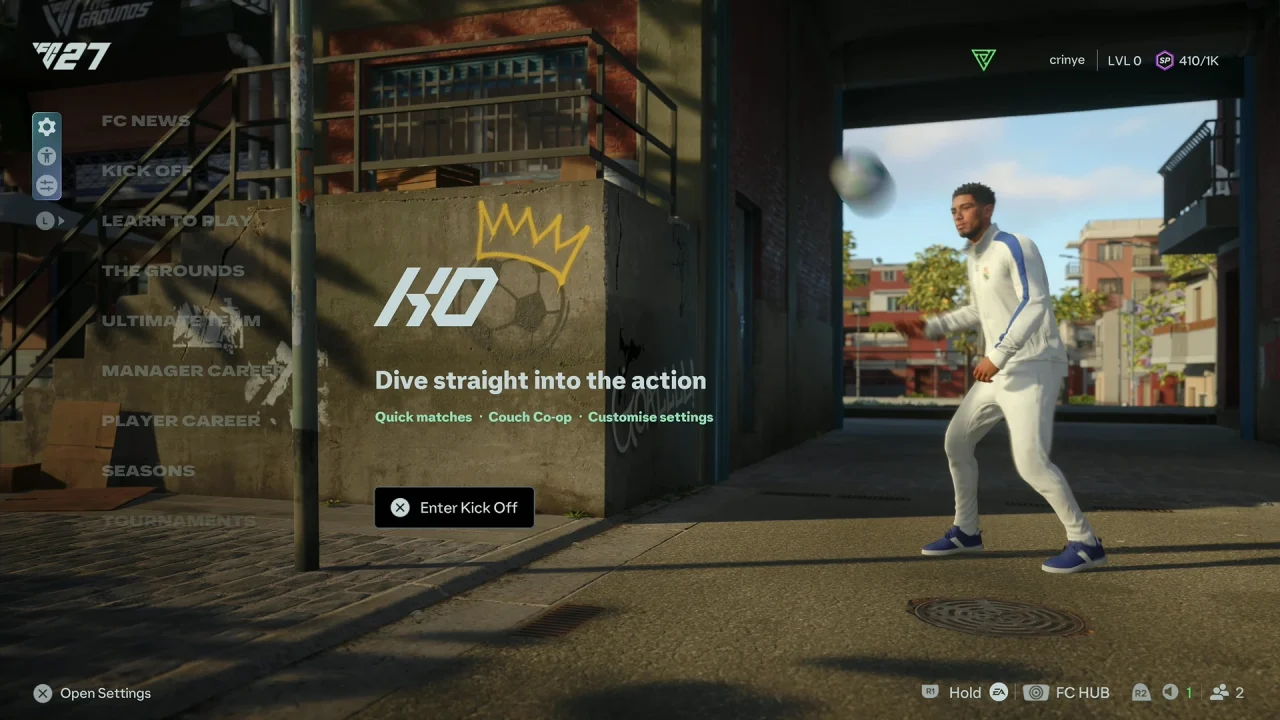
From the main menu, select the Game Settings icon.
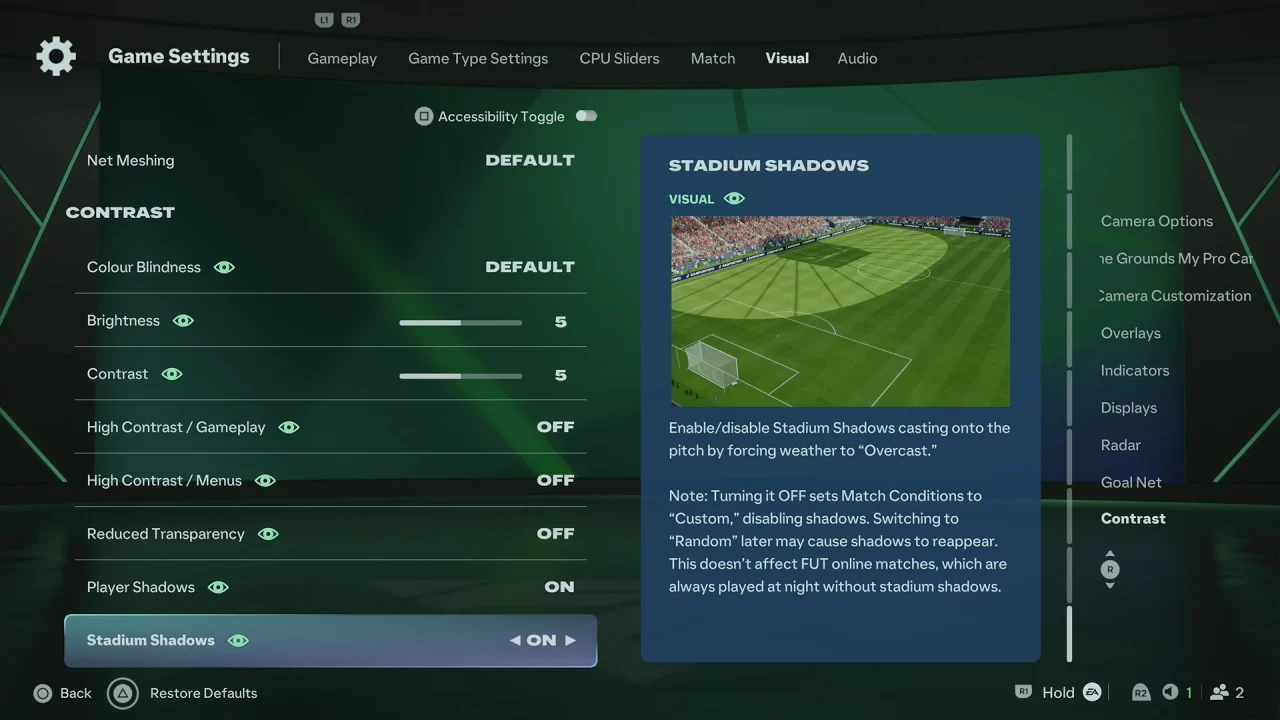
Navigate to the Visual tab using the R1 or L1 button. Look for the Stadium Shadows option, which should be under the Contrast category.
Change the setting to On to enable stadium shadows, or Off to disable them.
Return to the game and your new setting should take effect.
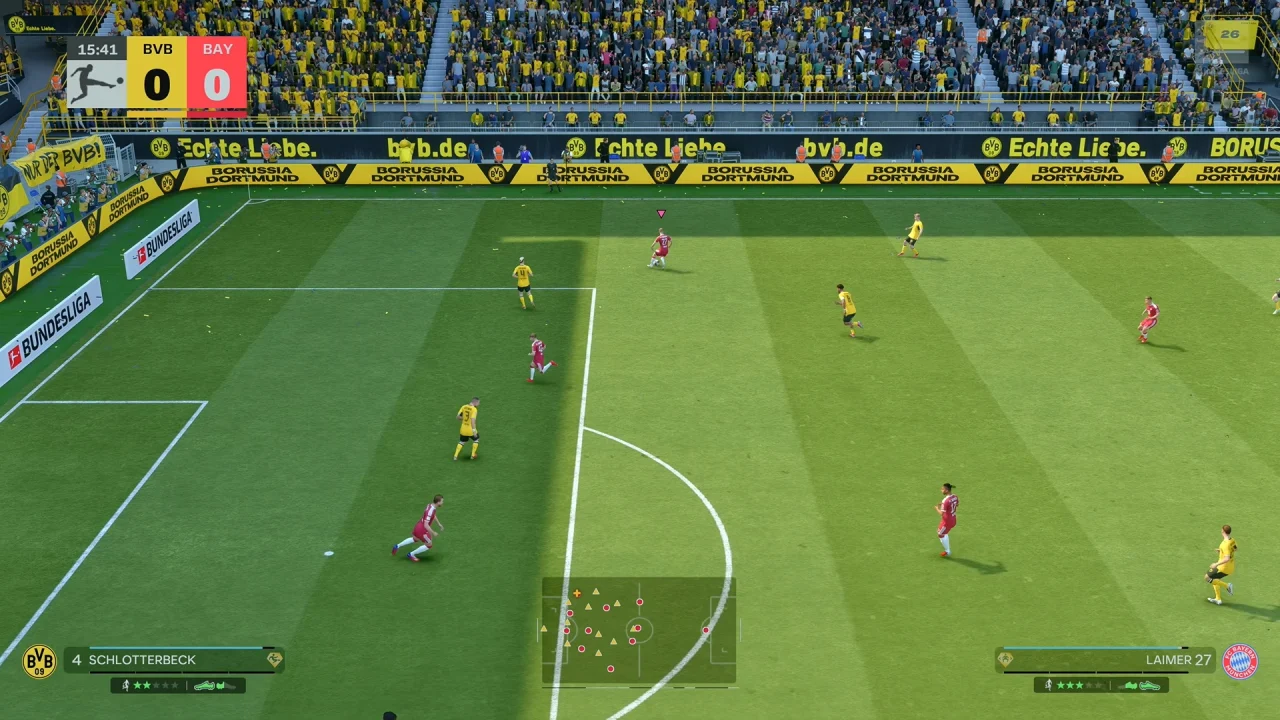
The Stadium Shadows option controls shadows created by the stadium environment during matches. When enabled, you can see more realistic shadows from structures around the pitch.
If you prefer a cleaner and more consistent view of the playing surface, you may want to disable this option. If you prefer a more realistic stadium presentation, you can leave Stadium Shadows enabled.