If you have just purchased an iPhone 18 Pro and want to connect it to your mobile network, you may need to insert a SIM card. The process is straightforward, although the location of the SIM tray can vary depending on the model and region.
In this guide, we’ll walk you through the step-by-step process on how to insert a SIM card into your iPhone 18 Pro.
Before inserting a SIM card, check whether your iPhone 18 Pro has a physical SIM tray. Some iPhone models and regional versions may rely entirely on eSIM technology. If your device has a physical SIM tray, you can continue with the steps below.
Also Read: How To AirDrop Files From iPhone 18 Pro To Android
How To Insert SIM Card In iPhone 18 Pro
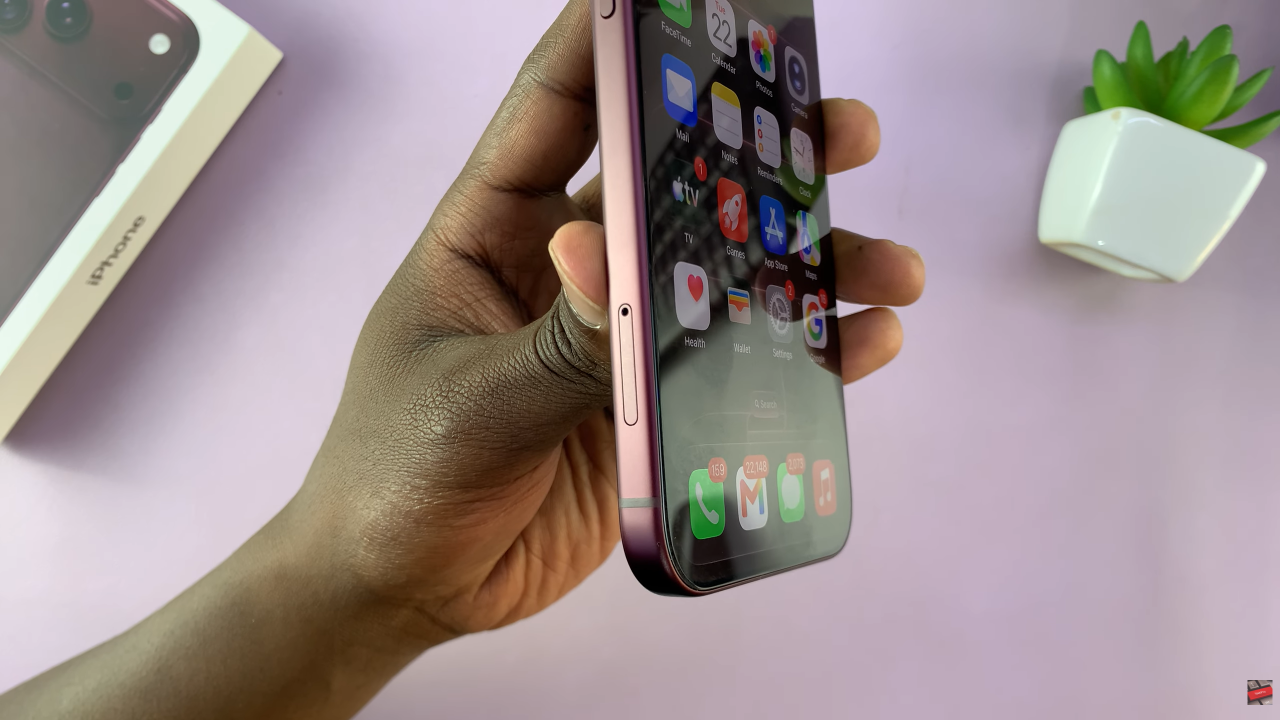
First, look around the outer edge of your iPhone 18 Pro for the SIM card tray. The exact location can depend on the regional version of the device. Once you find the tray, look for the small hole next to it. This hole is used to release the SIM tray.
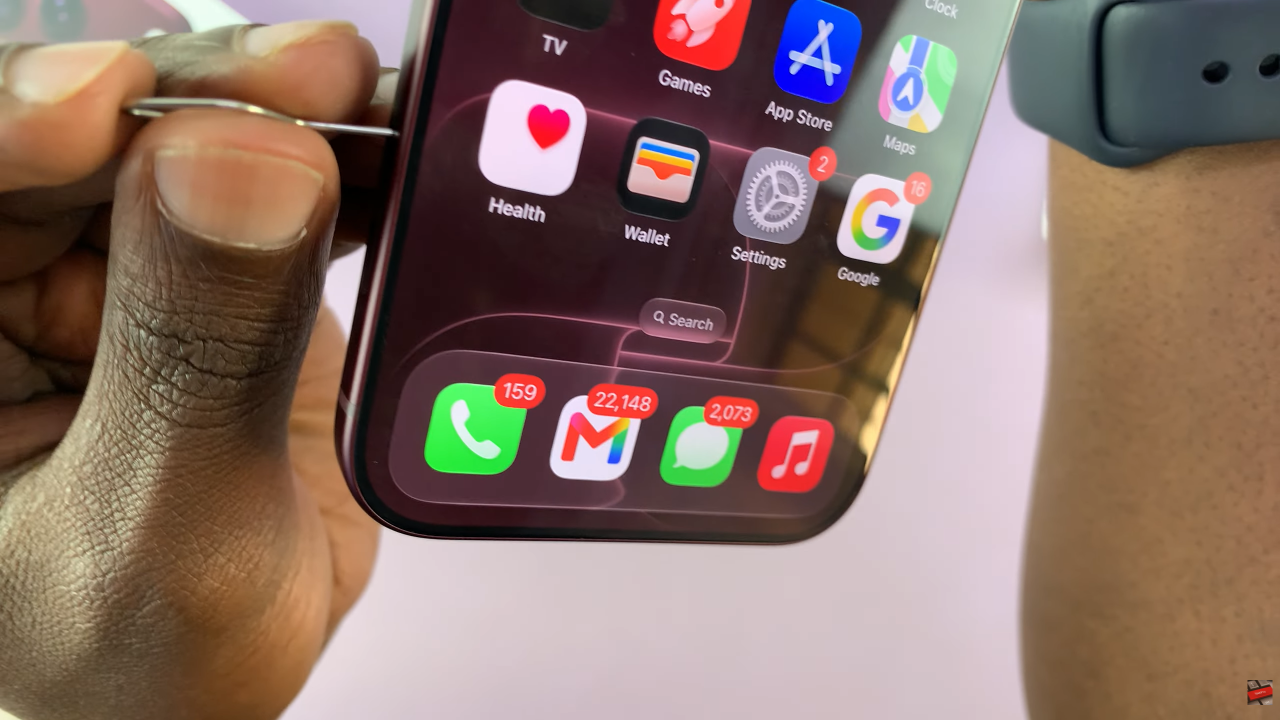
Next, take the SIM eject tool that came with your iPhone. Carefully insert the pointed end of the tool into the small hole beside the SIM tray. Apply gentle, steady pressure until the tray pops out slightly. Then, pull the tray completely out of the iPhone.
It is important to use gentle pressure during this step. Do not push the eject tool at an angle or use excessive force.
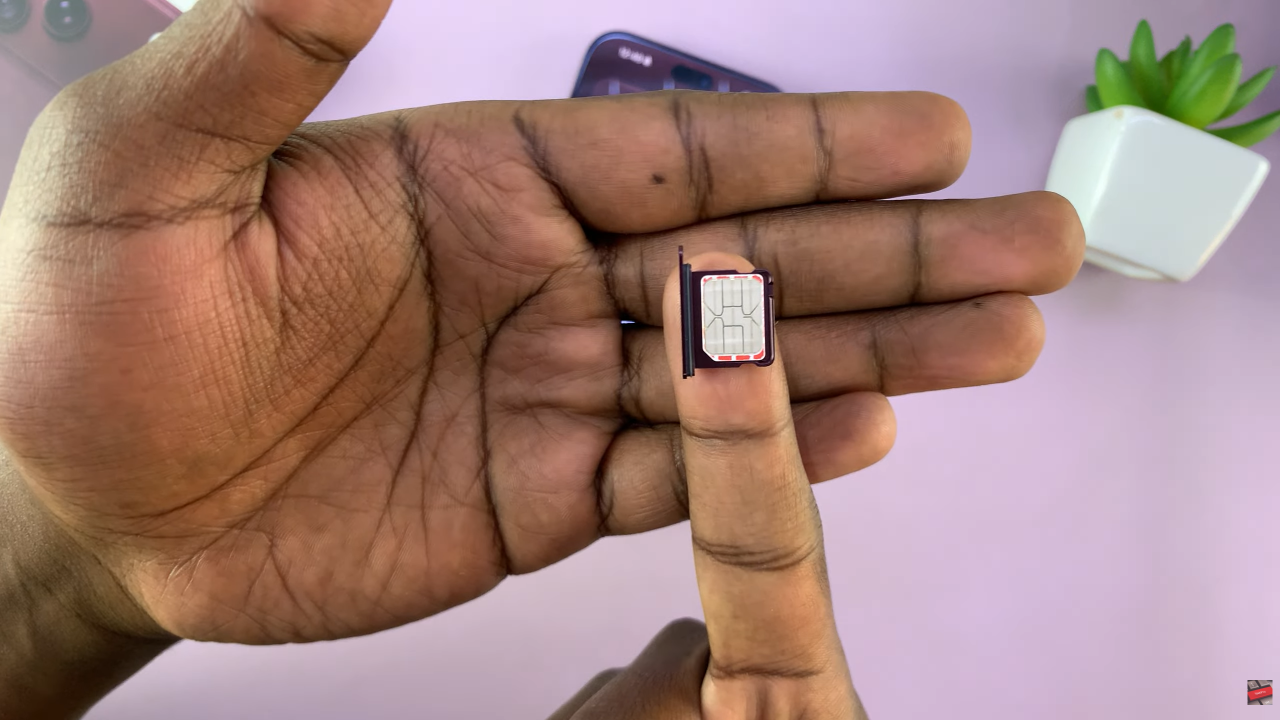
Now, take your nano-SIM card and place it into the SIM tray. The SIM card has one corner cut at an angle, which helps you identify the correct orientation.
Align the cut corner of the SIM card with the corresponding shape inside the tray. The SIM card should sit flat and securely in the tray. If the card does not fit properly, remove it and check its orientation rather than forcing it into place.
Once the SIM card is positioned correctly, carefully slide the tray back into the iPhone 18 Pro. Push the tray gently until it is completely flush with the side of the phone. Make sure it is inserted in the correct orientation and does not require excessive force.
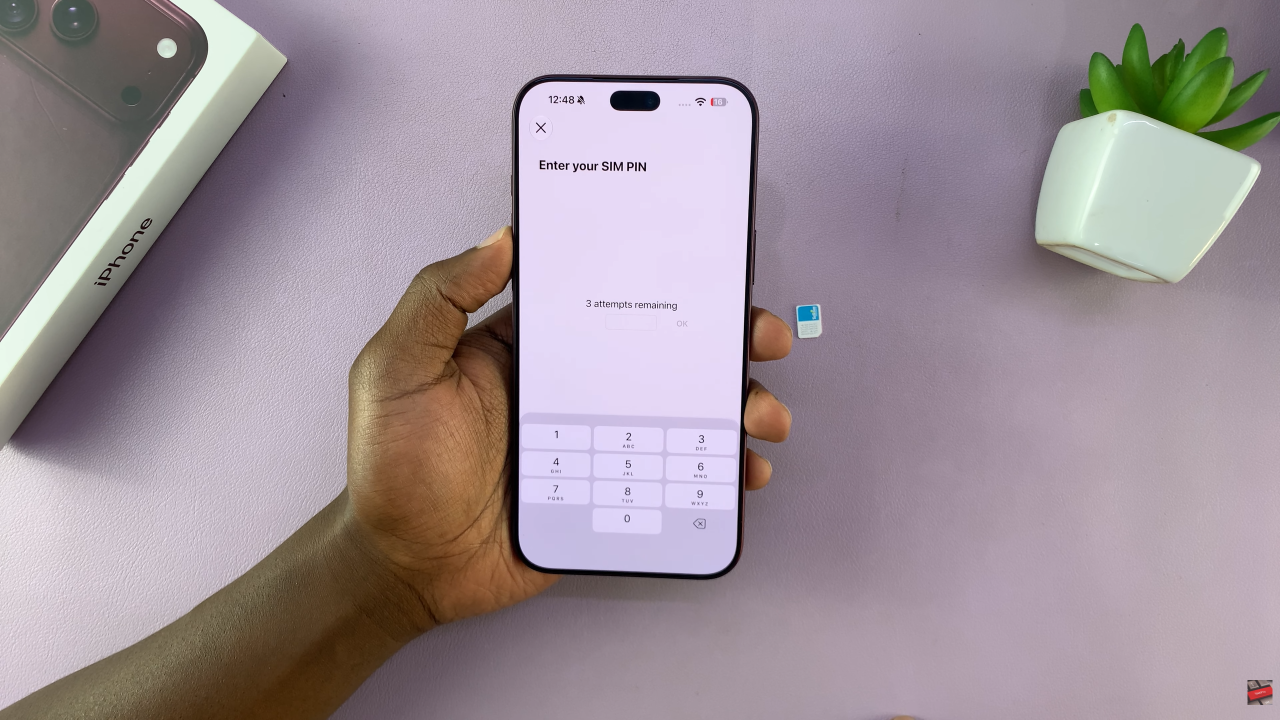
After inserting the SIM card, your iPhone 18 Pro should detect it automatically. You may see the carrier name or mobile network indicator appear near the top of the screen.
Inserting a SIM card into the iPhone 18 Pro is a simple process when the device supports a physical SIM. Locate the SIM tray, use the SIM eject tool to remove it, place the nano-SIM in the correct orientation, and gently return the tray to the phone. Once installed, the iPhone should connect to your carrier’s network and be ready for calls, messages, and mobile data.
Watch: How To Remove SIM Card From iPhone 18 Pro / 18 Pro Max