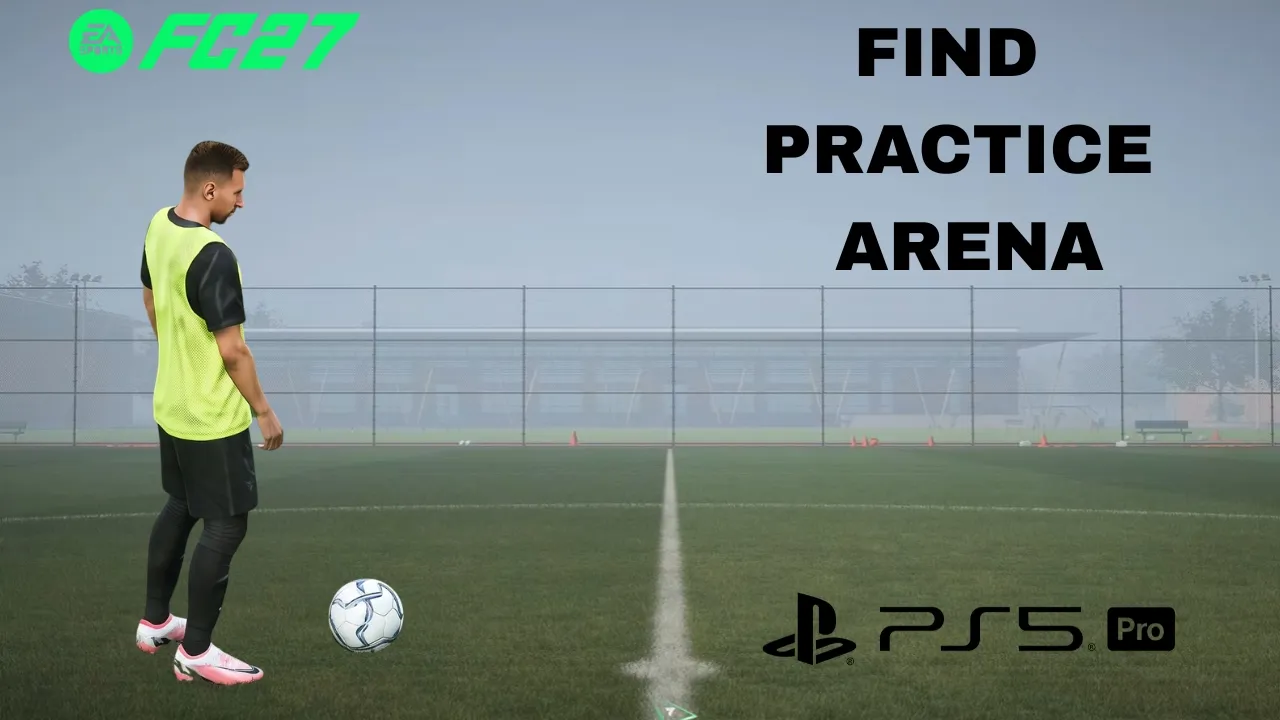
This simple step-by-step guide will show you how to find the practice arena in FC 27.
The Practice Arena in FC 27 is a useful place to improve your skills, practice shooting, work on dribbling, and get familiar with the controls without the pressure of a competitive match.
If you are having trouble finding the Practice Arena, you can access it directly from the game’s main menu. Follow the steps below.
Read: How To Enable / Disable Quick Substitutes In FC 27
Find Practice Arena In FC 27
Start EA SPORTS FC 27 and wait for the main menu to load. From the main menu, look through the available game modes and options. You may need to navigate through the menu using your controller.
Look for the Learn To Play section. This area contains different training and practice options designed to help you improve your gameplay.
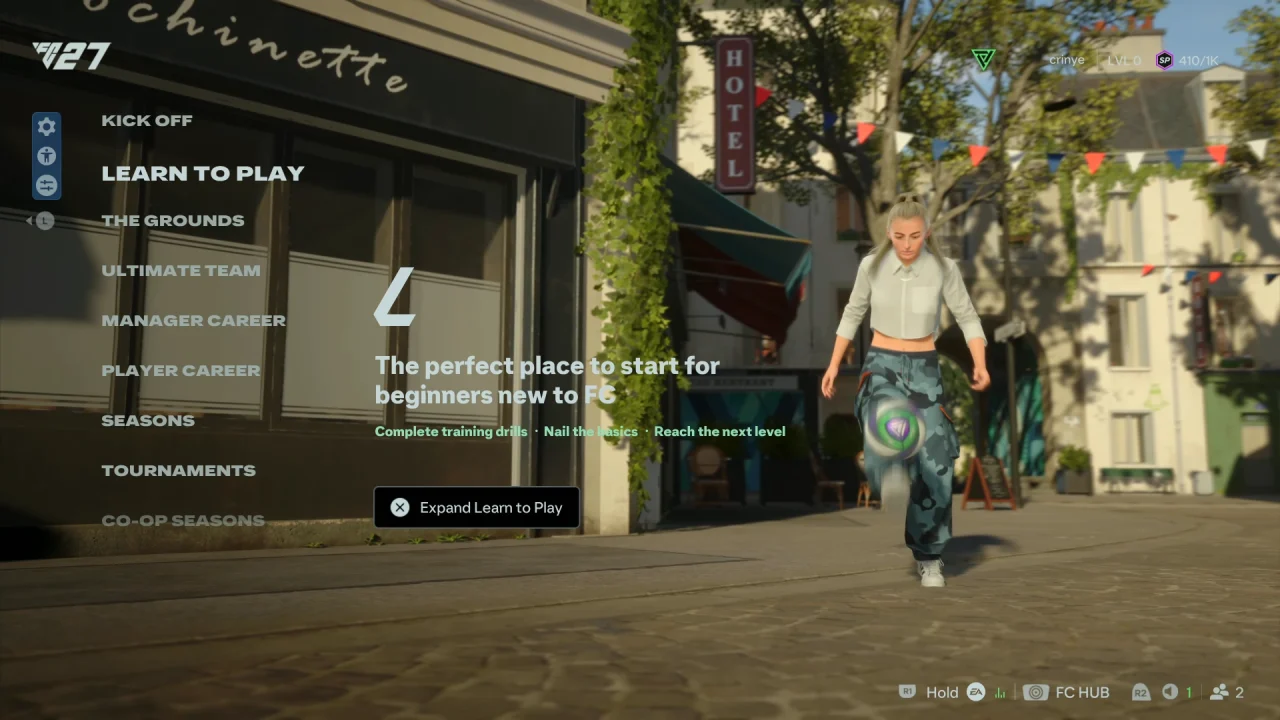
Inside Learn To Play, look for Practice Arena and select it.
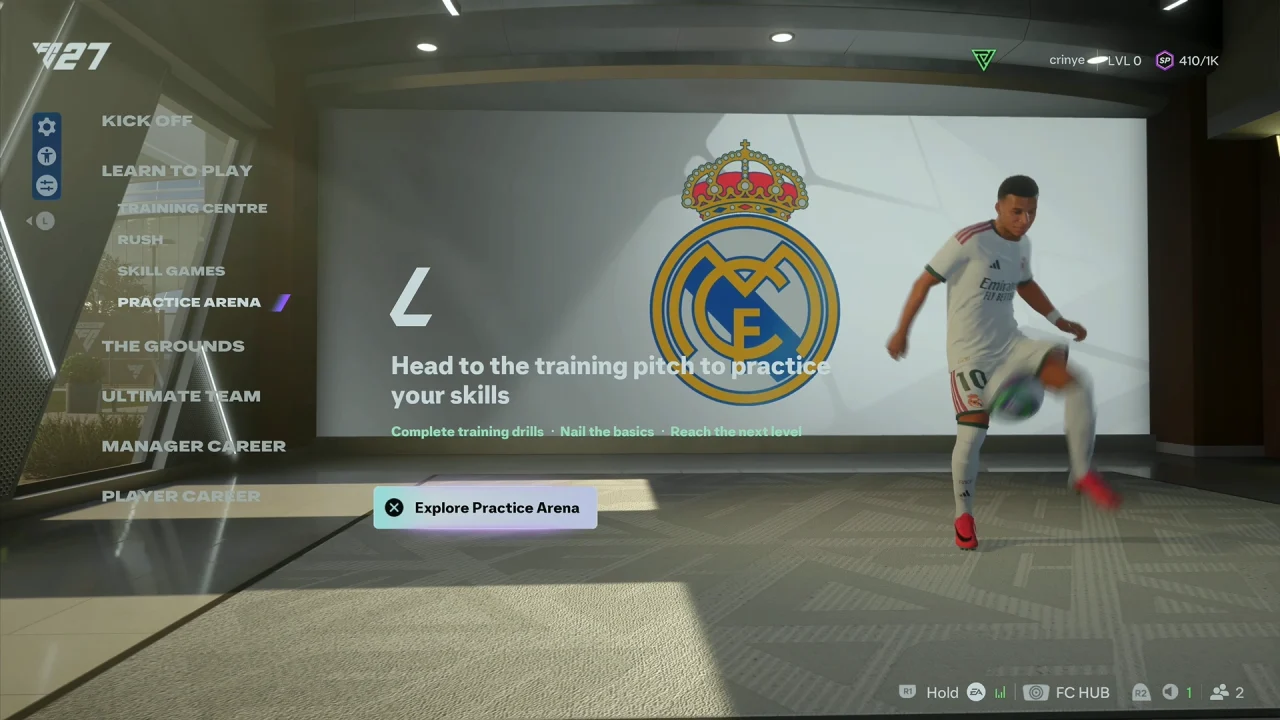
Once you enter the Practice Arena, you can control your player and begin practicing different skills. You can work on shooting, passing, dribbling, free kicks, and other gameplay techniques.
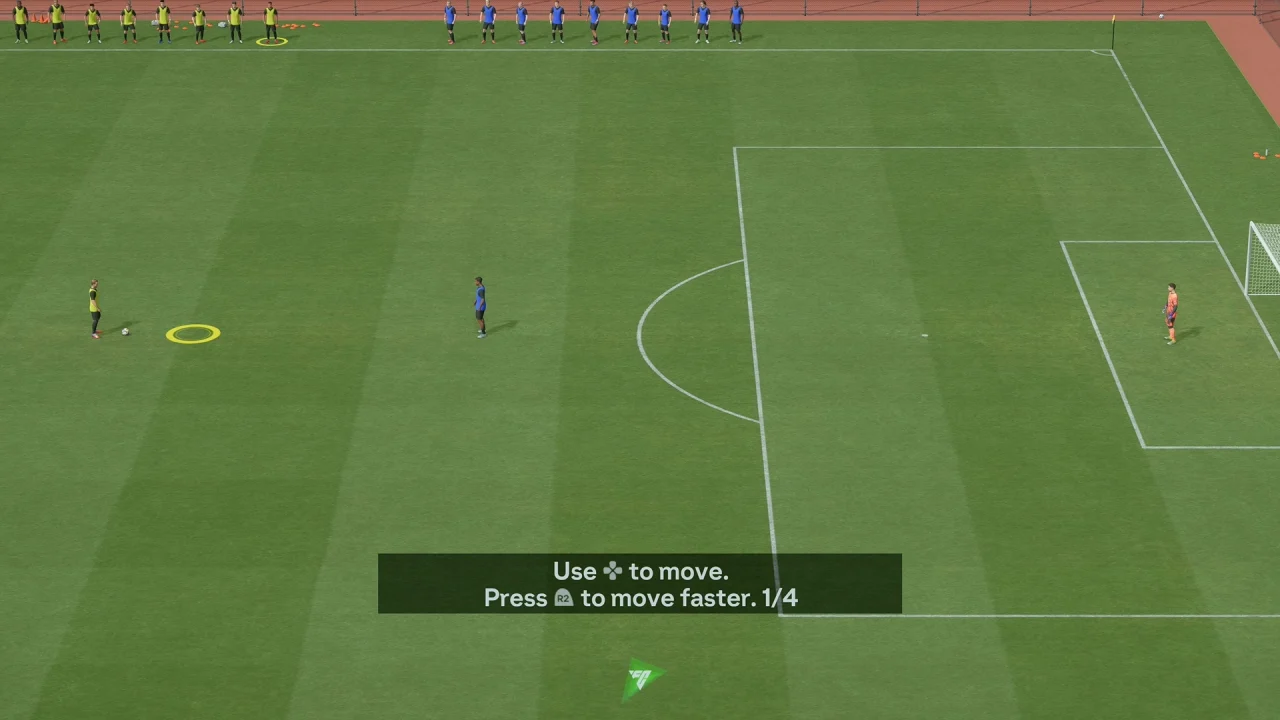
What Can You Do In The Practice Arena?
The Practice Arena gives you a simple environment where you can experiment with FC 27’s controls. It can be particularly useful for practicing shooting and finishing, learning dribbling techniques, practicing passing, testing skill moves and practicing free kicks
You can also get familiar with player movement, test different camera settings
and learn new controller commands.
Because there is no need to play through a full match, the Practice Arena is a convenient way to experiment with controls and improve your technique.