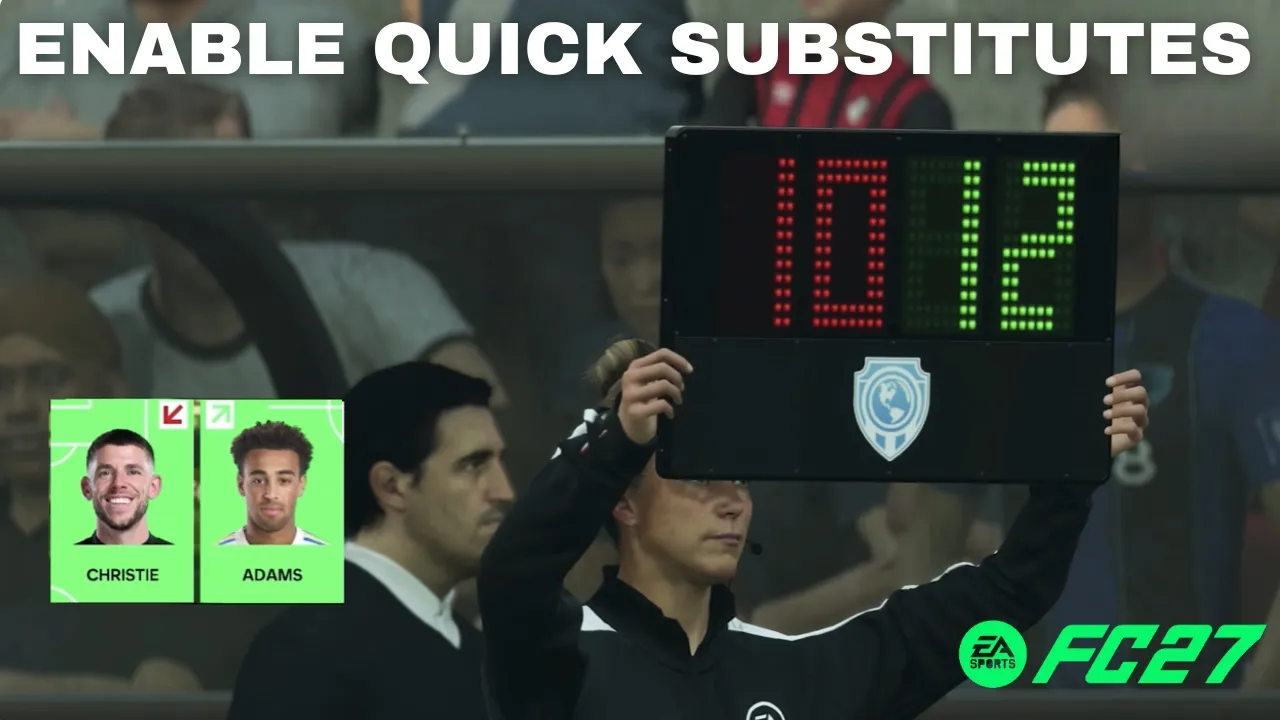
FC 27 includes a Quick Substitutes option that can make it easier to bring players on and off the pitch during a match.
If you prefer to manually manage substitutions, you can also disable this feature.
In this guide, we’ll show you how to enable or disable Quick Substitutes in FC 27.
Read: How To Turn OFF All Music In FC 27
Enable & Disable Quick Substitutes In FC 27
Launch FC 27 and go to the main menu. Choose the Settings icon and select Game Settings.
Go to the Match section. Look for the Quick Substitutes option.
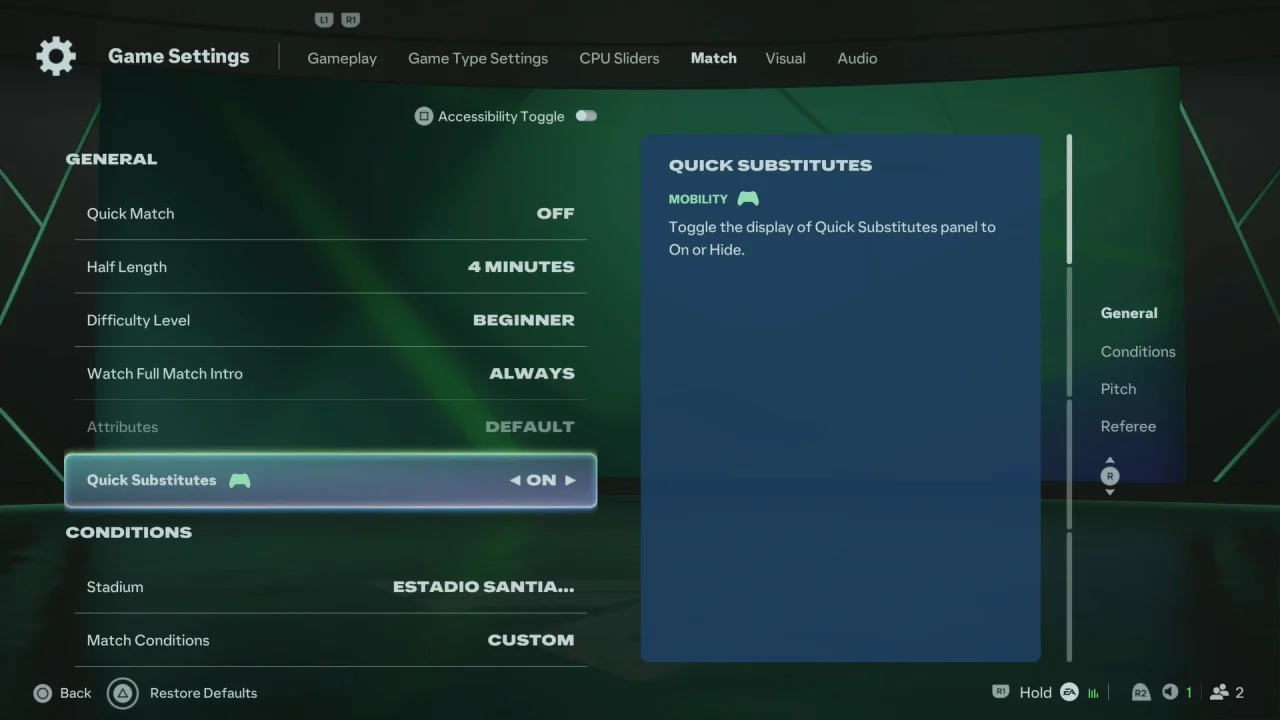
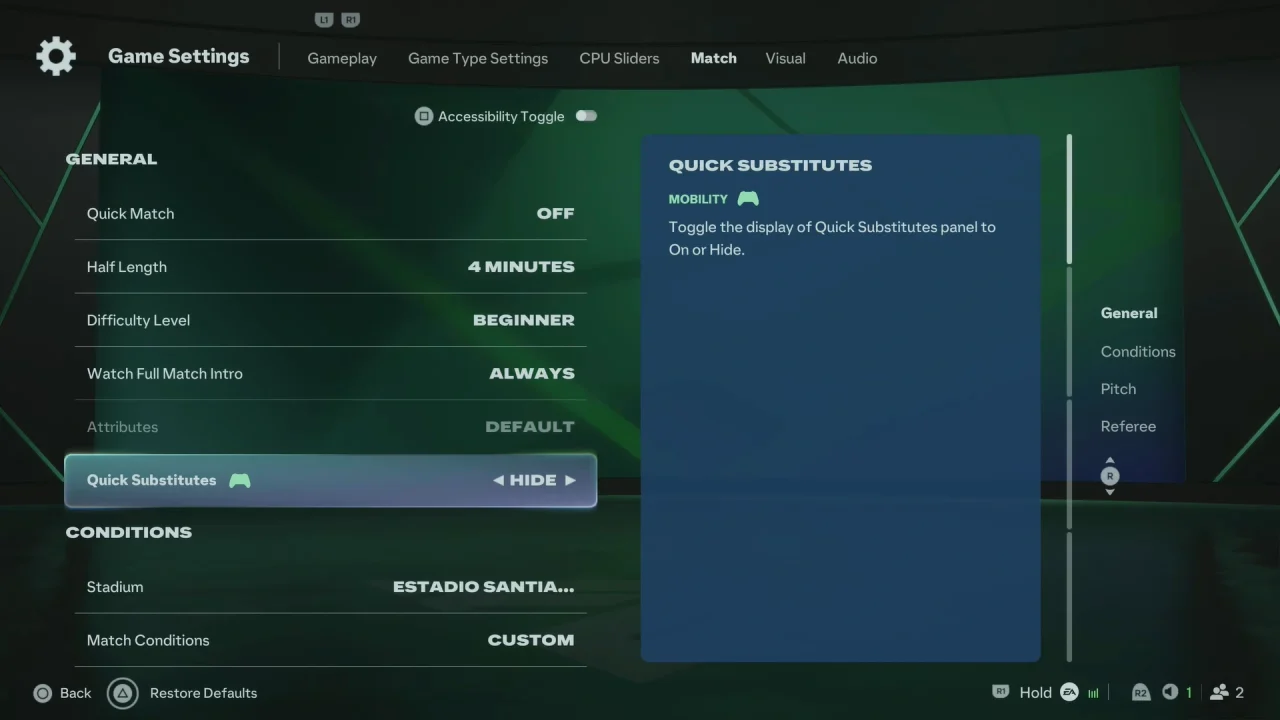
Change the setting to On to enable Quick Substitutes, or Hide to disable them.
Back out of the settings menu to save your changes.
What Does Quick Substitutes Do?
When Quick Substitutes is enabled, FC 27 can provide a faster way to make substitutions during matches. This can be useful when you want to replace tired players without spending as much time navigating through the full substitution menus.
If you prefer complete control over which players are substituted and when, turning Quick Substitutes off can give you a more manual match-management experience.
Watch: Turn OFF All Music In FC 27