The Xiaomi Smart Camera C701 is a versatile home security device that comes with advanced features, including fire detection.
Enabling this feature ensures that your camera can detect smoke or fire and send you real-time alerts, helping you safeguard your home effectively.
This guide will walk you through the steps to enable fire detection on your Xiaomi Smart Camera C701.
Watch: Update Xiaomi Smart Camera C701
Enable Fire Detection On Xiaomi Smart Camera C701
Fire detection is controlled through the Xiaomi Home app. Make sure your smartphone is connected to the same Wi-Fi network as your C701 camera. Open the Xiaomi Home app on your Android or iOS device.
Once you’re in the app, select your camera and tap on AI Features.
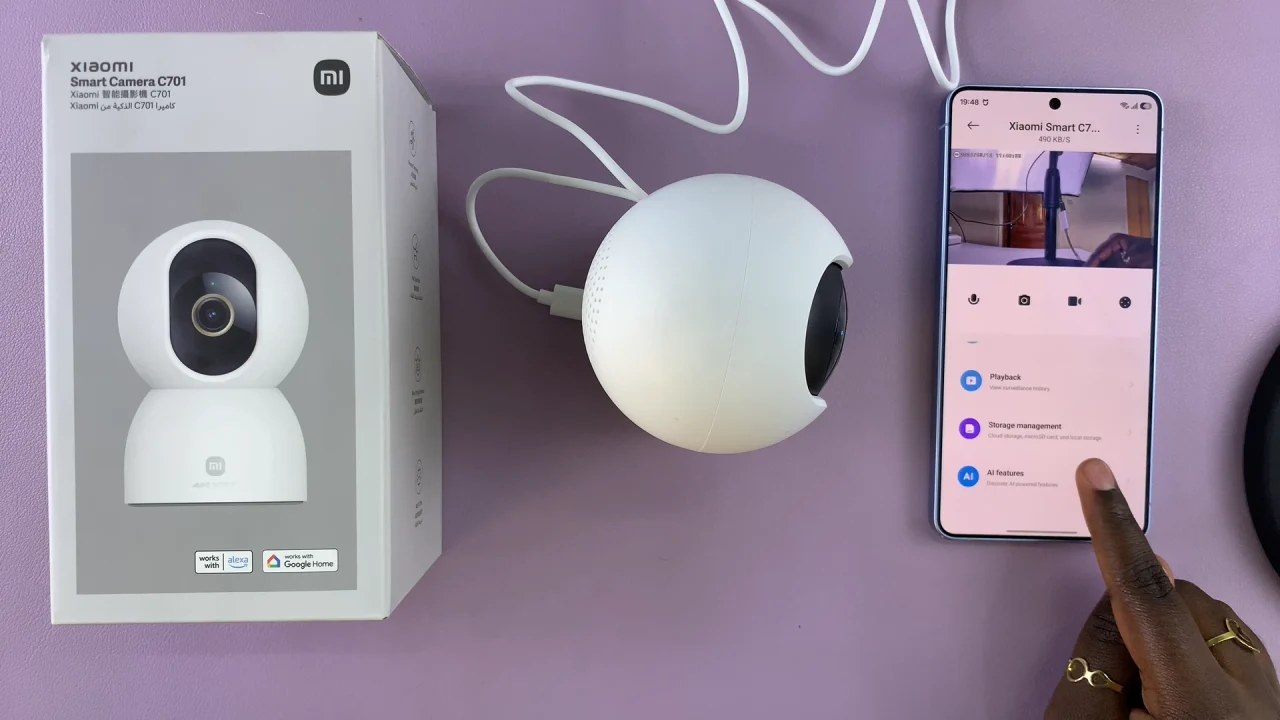
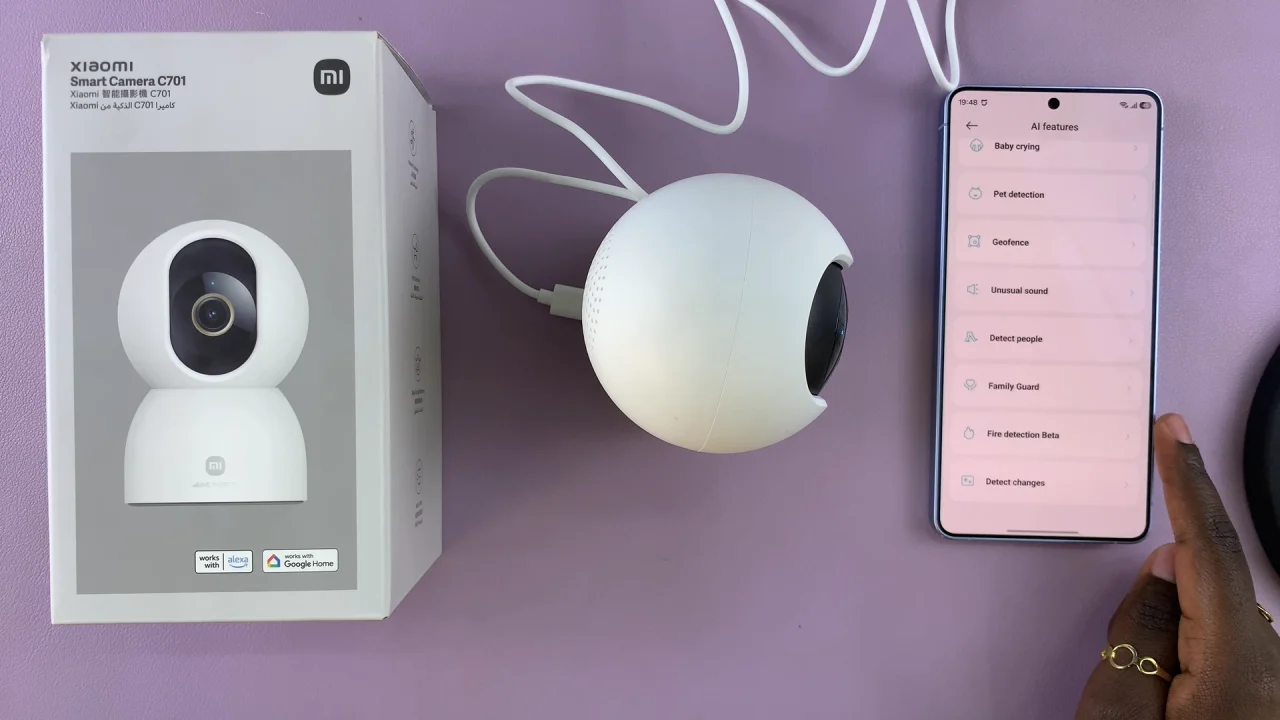
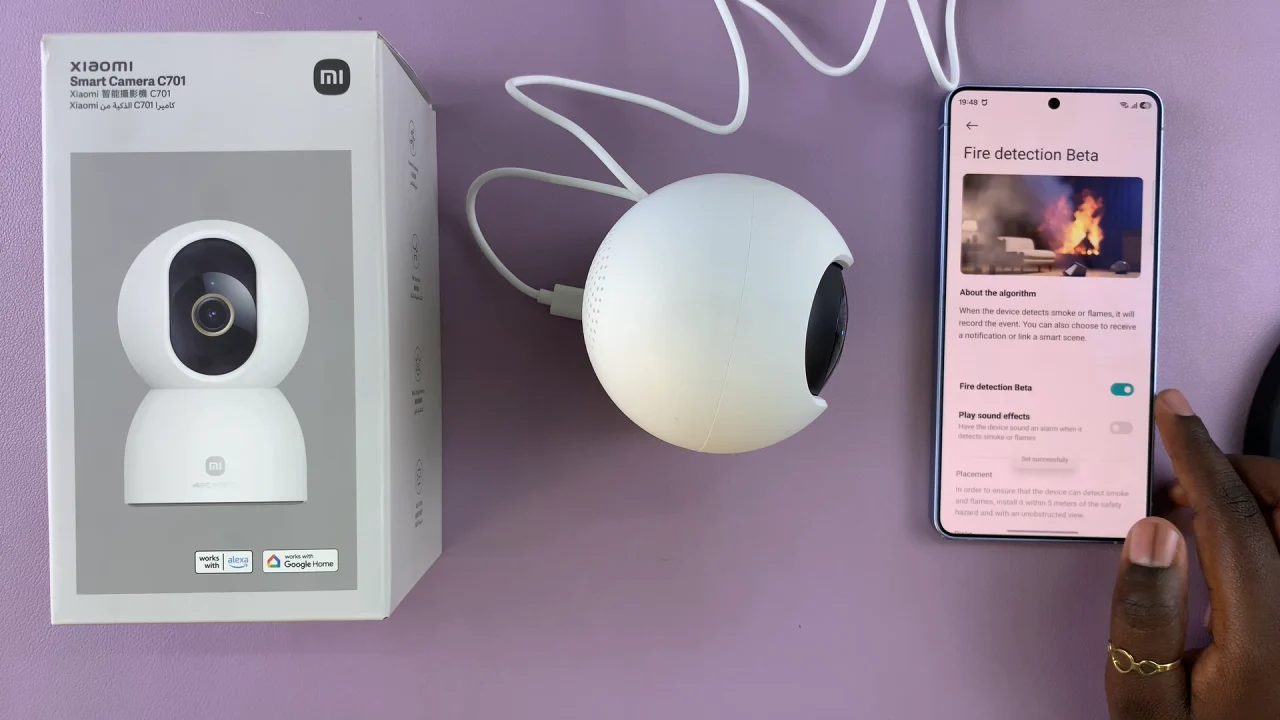
Inside the camera settings, locate the Fire Detection Beta option. Then, toggle the switch to ON. Select Turn On to confirm.
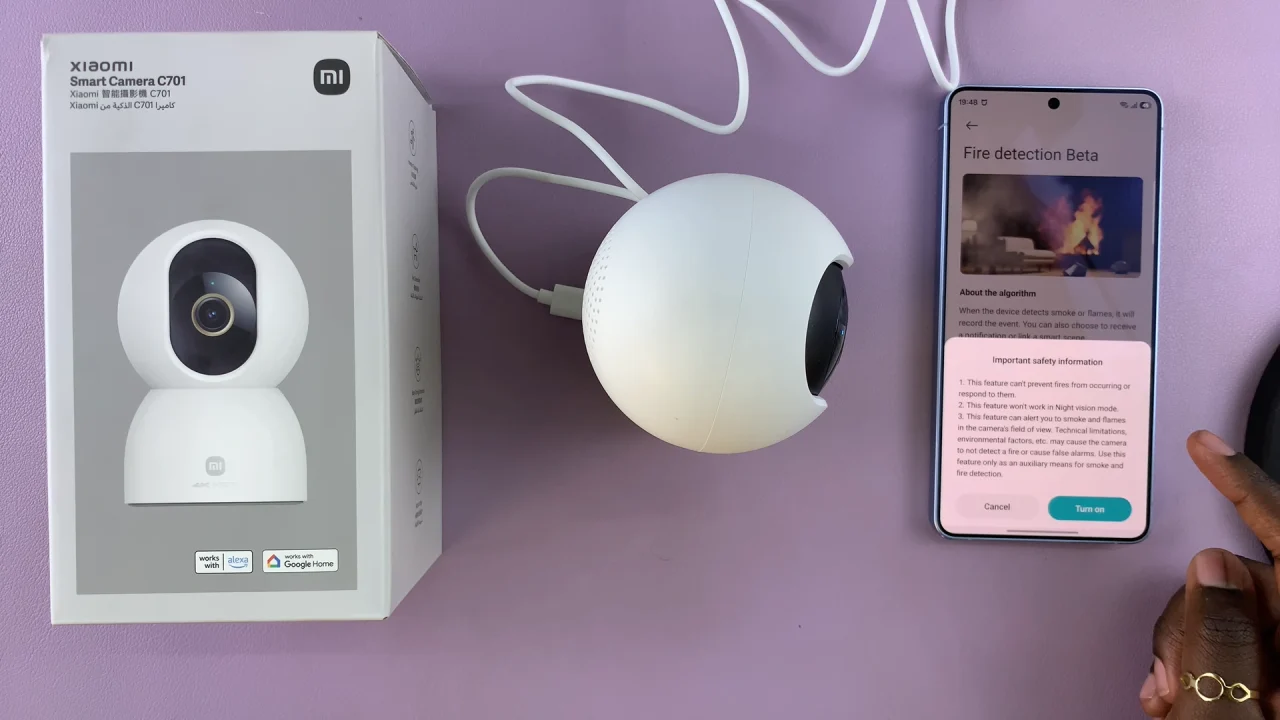
Once enabled, your camera will monitor for smoke and fire, sending instant notifications to your phone whenever a potential fire is detected.
Customize Alerts
You can personalize how you receive fire alerts:
Push Notifications: Receive alerts directly on your phone.
Sound Alarm: The camera can sound an alarm when fire is detected.
Recording Options: Automatically start recording when fire it detects for evidence.
Adjust these settings according to your preference to ensure maximum safety.
To ensure everything is working properly, use the Test Alert feature if available in the app. Make sure notifications are coming through to your phone. Confirm the camera is in the proper position for the best coverage.
Tips for Better Fire Detection
Place the camera near areas prone to smoke or heat, like the kitchen or living room. Keep firmware updated to the latest version for improved AI detection. Avoid pointing the camera at reflective surfaces that may trigger false alerts.