In this guide, we’ll walk you through the simple steps to adjust podcast play speed on your iPhone running iOS 26.
Listening to podcasts is a great way to stay informed, entertained, and inspired. With iOS 26, Apple has refined the Podcasts app to give users more flexibility in how they consume episodes.
One of the most useful features is the ability to adjust playback speed — whether you want to speed up conversations to save time or slow them down to catch every detail.
Why Adjust Podcast Play Speed?
Save time: Speed up episodes to listen more quickly.
Better Comprehension: Slow down playback if a guest speaks too fast.
Customize your experience: Tailor playback speed to your listening style.
Watch: Enable Full Screenshot Previews In iOS 26
Adjust Podcast Play Speed On iOS 26
The Apple Podcasts app allows you to increase or reduce the podcasts play speed, with the new iOS 26 update. To adjust the speed, launch the Podcasts app and play a Podcast.
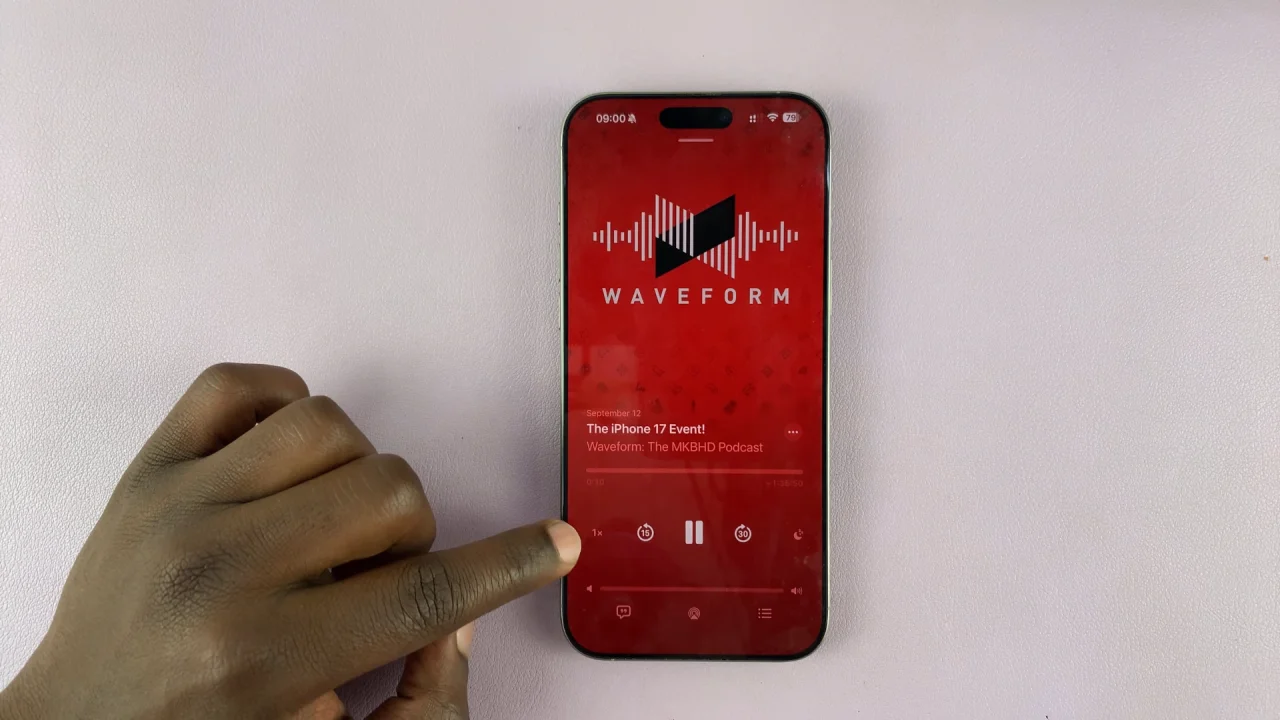
In the bottom-left corner tap on the 1x to bring up the playback options.
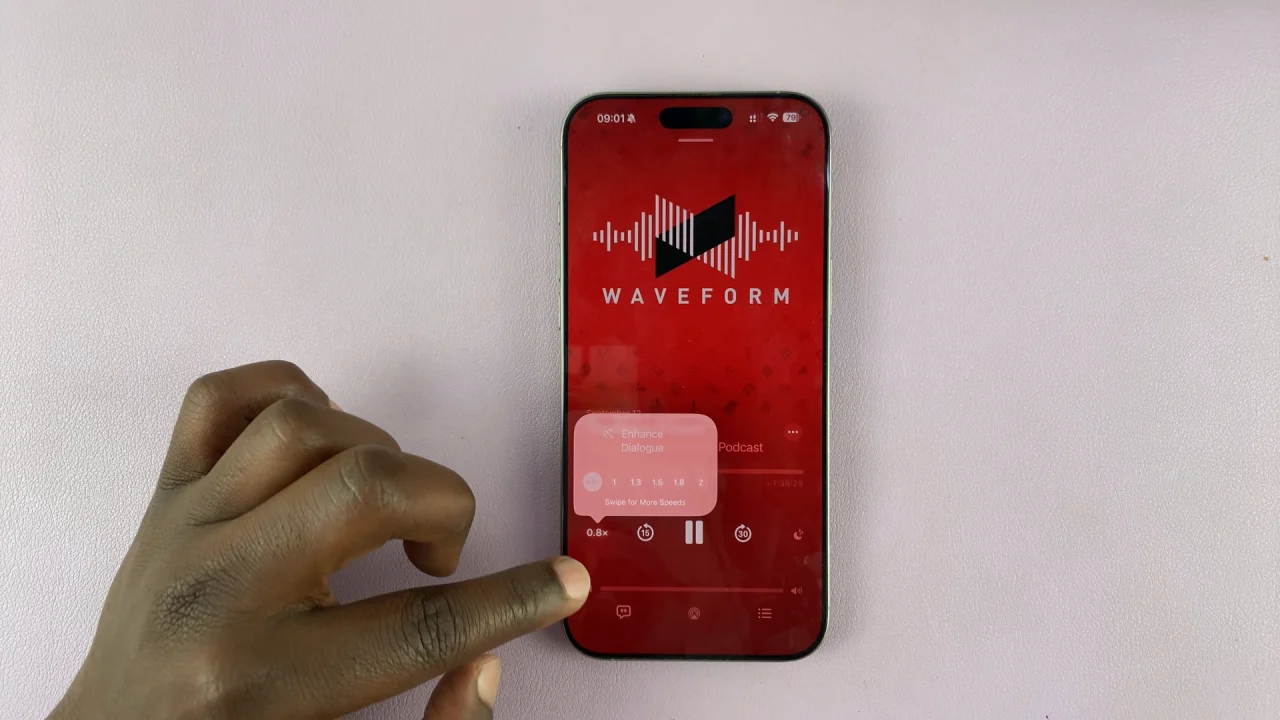
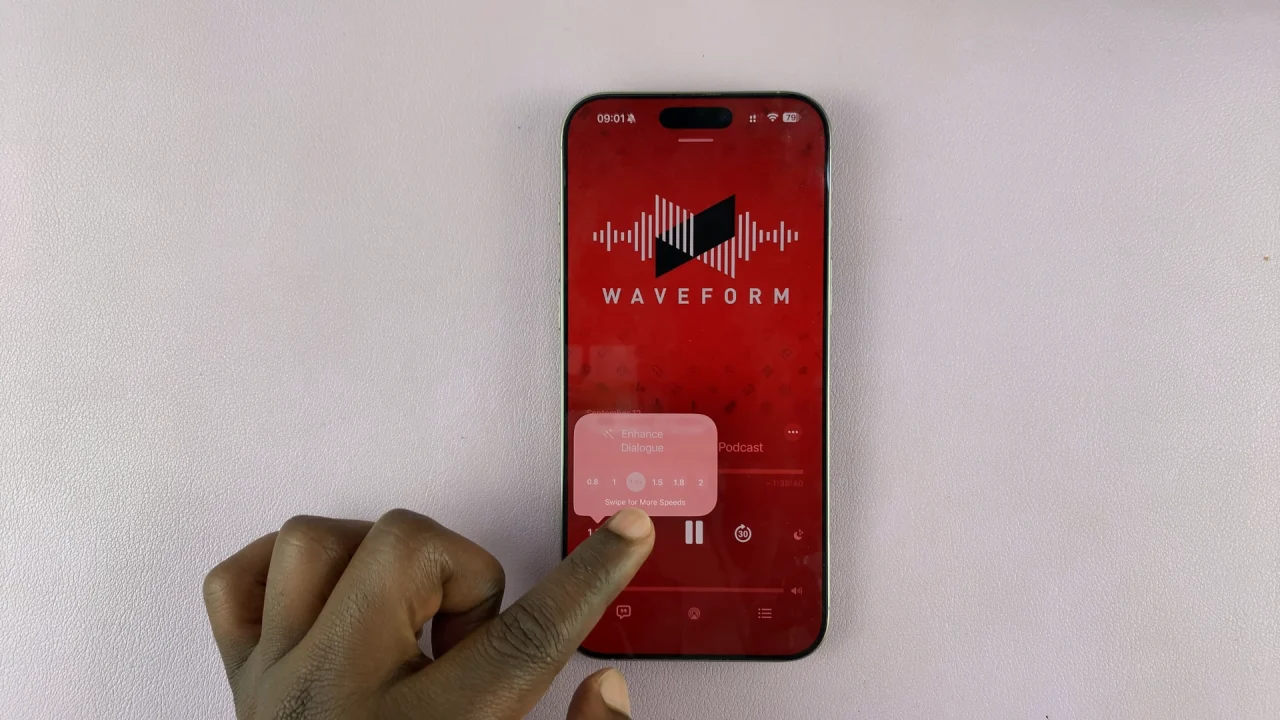
Select 0.8x to slow down the podcast playback speed or 1.3x, 1.5x, 1.8x or 2x to make them faster.
Tips for Smooth Listening
If you’re catching up on multiple episodes, using 1.5x speed is a great balance between speed and clarity.
For educational or detail-heavy podcasts, slower speeds can help ensure you don’t miss important points.
Your preferred speed setting will remain active until you manually change it again.
Read: How To Enable / Disable Full Screenshot Previews In iOS 26