Playing EA SPORTS FC 27 with friends can make matches much more enjoyable, especially when you want to compete online or play together in supported game modes. If you want to add someone to your friends list, you can do so through the game’s social features and your platform’s friends system.
Read: How To Update Squads In FC 27
Add Friends In FC 27
The first step to add a friend is to launch FC 27 on your PlayStation, Xbox, PC, or supported platform and wait for the main menu to load. Press R2 button on PS5 or RT button on Xbox to bring up EA Connect.
Go to Player Search category and type in the EA ID of the player you want to add as a friend. Enter your friend’s EA ID, EA username, or platform username, depending on the available search option.
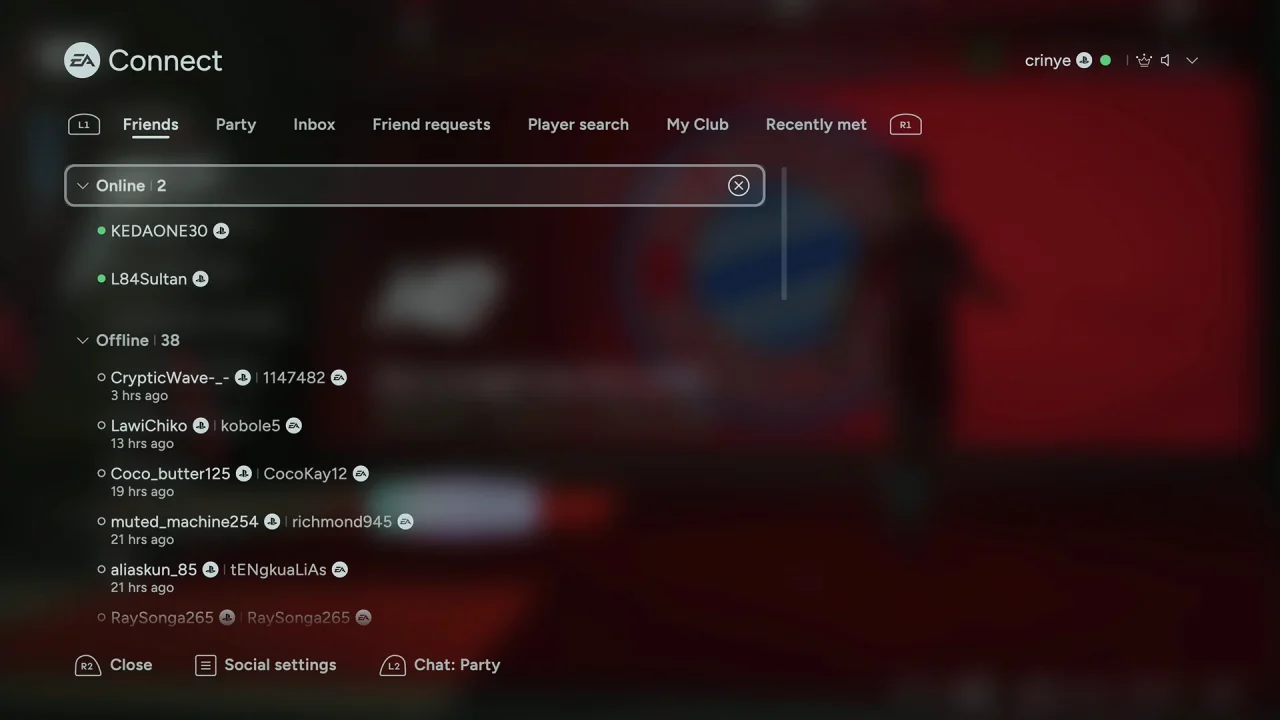
Make sure you enter the name correctly, as similar usernames may appear in the results.
When your friend’s account appears in the search results, select their profile. Check the displayed information to make sure you have selected the correct person.
To add a friend you recently met, navigate to the Recently Met category using R2 or L2 (PS5) and RT or L2 (Xbox). Then, proceed to select their ID and press X on the controller to send them a friend request.
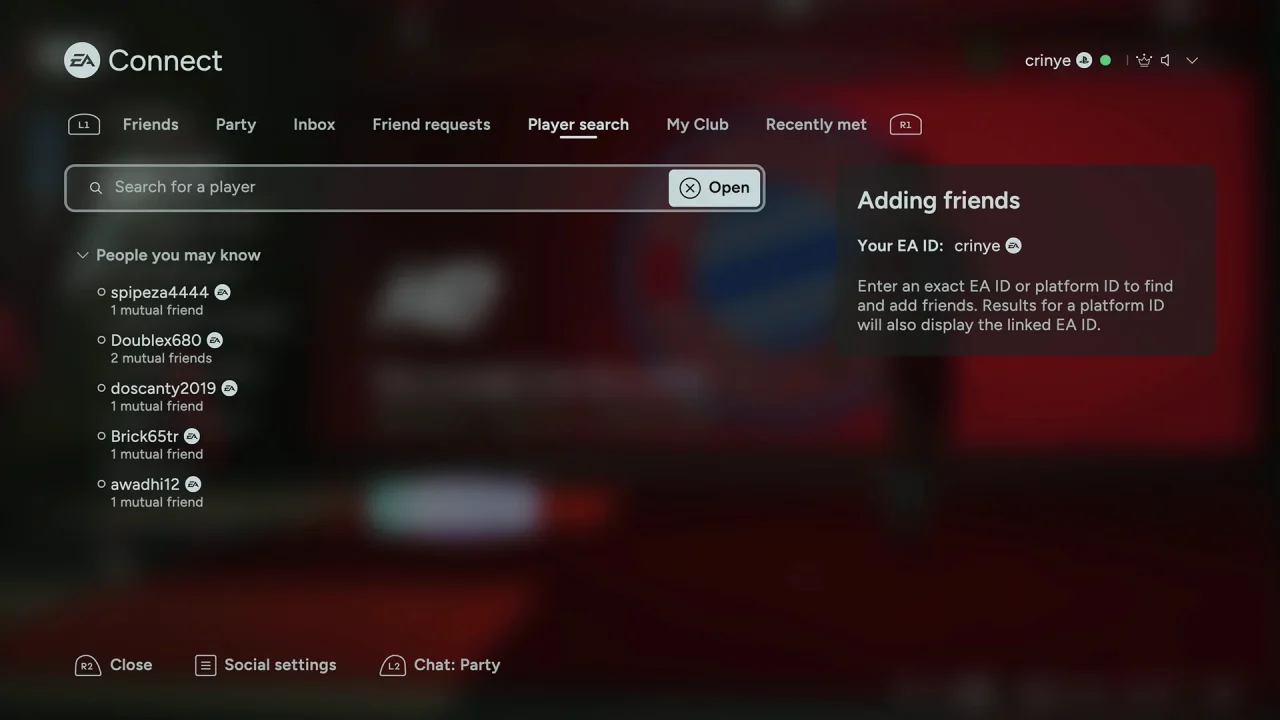
Your friend will receive the request and will need to accept it before you can interact with them as friends.
How To Accept A Friend Request In FC 27
If someone sends you a friend request, open the Social menu and check your pending friend requests.
Select the request and choose Accept. Once accepted, the player should appear on your friends list.
How To Play With Friends In FC 27
After adding your friend, you can invite them to supported online modes. Open the relevant game mode, select the option to invite or play with friends, and choose your friend’s name from the available list.
Depending on the mode and platform, online multiplayer and cross-play features may have specific requirements or limitations.
Watch: Update Squads In FC 27