Having your wireless earbuds updated is important if you wish to enjoy the best sound quality possible. The Sony WF-1000XM6 is no different. With each firmware update, Sony is able to improve the sound quality of your earbuds, improve connectivity, as well as fix bugs that might be affecting your earbuds.
If you are experiencing problems with your earbuds or you wish to enjoy the latest features introduced in each firmware update, updating your Sony WF-1000XM6 is an effective solution. In this tutorial, you will learn how to update your Sony WF-1000XM6 wireless earbuds using the Sony Headphones Connect app.
By the end of this tutorial, you will not only have your Sony WF-1000XM6 wireless earbuds updated but also enjoy better sound quality as well as improved connectivity.
Watch: How To Rename Sony WF-1000XM6 Earbuds
Update Sony WF-1000XM6
Begin by launching the Sony Connect app on your device. If you don’t have the app installed, head to App Store or Google PlayStore and download it from there. Then, scroll down and find the ‘Device Settings‘ within the app.
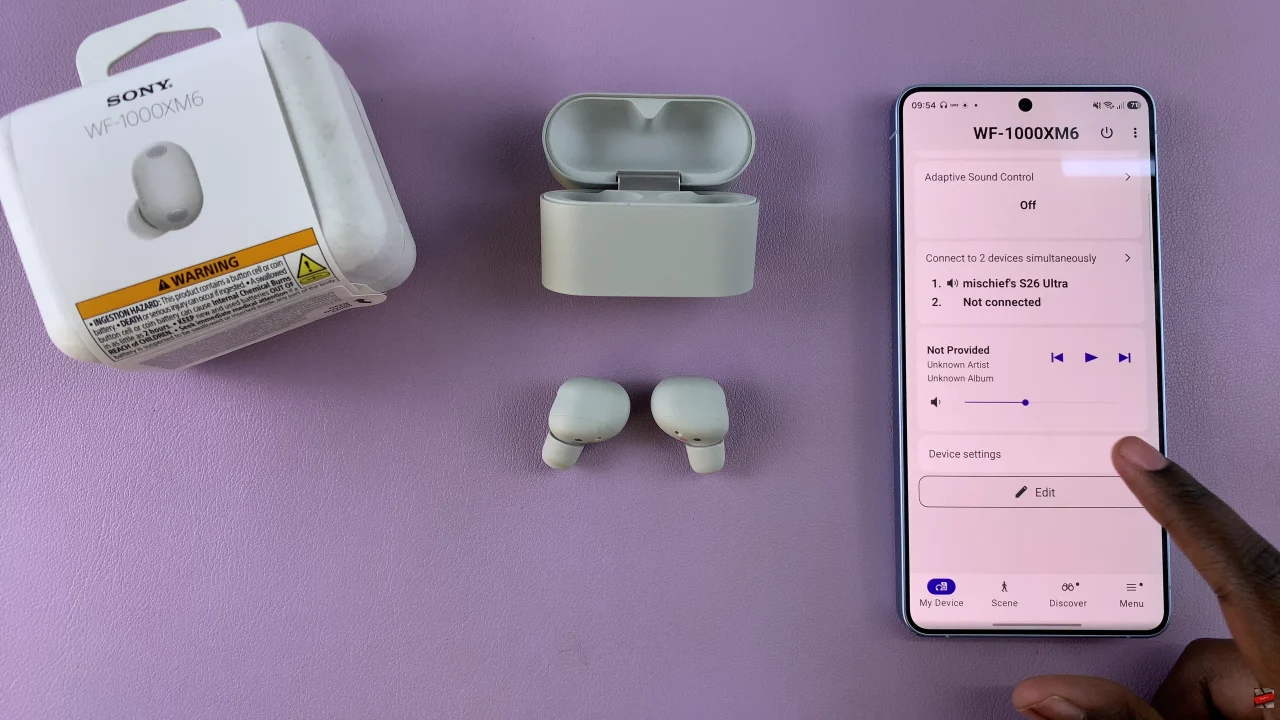
Following this, tap on ‘System‘ then select ‘Update Software‘ from the menu that appears.
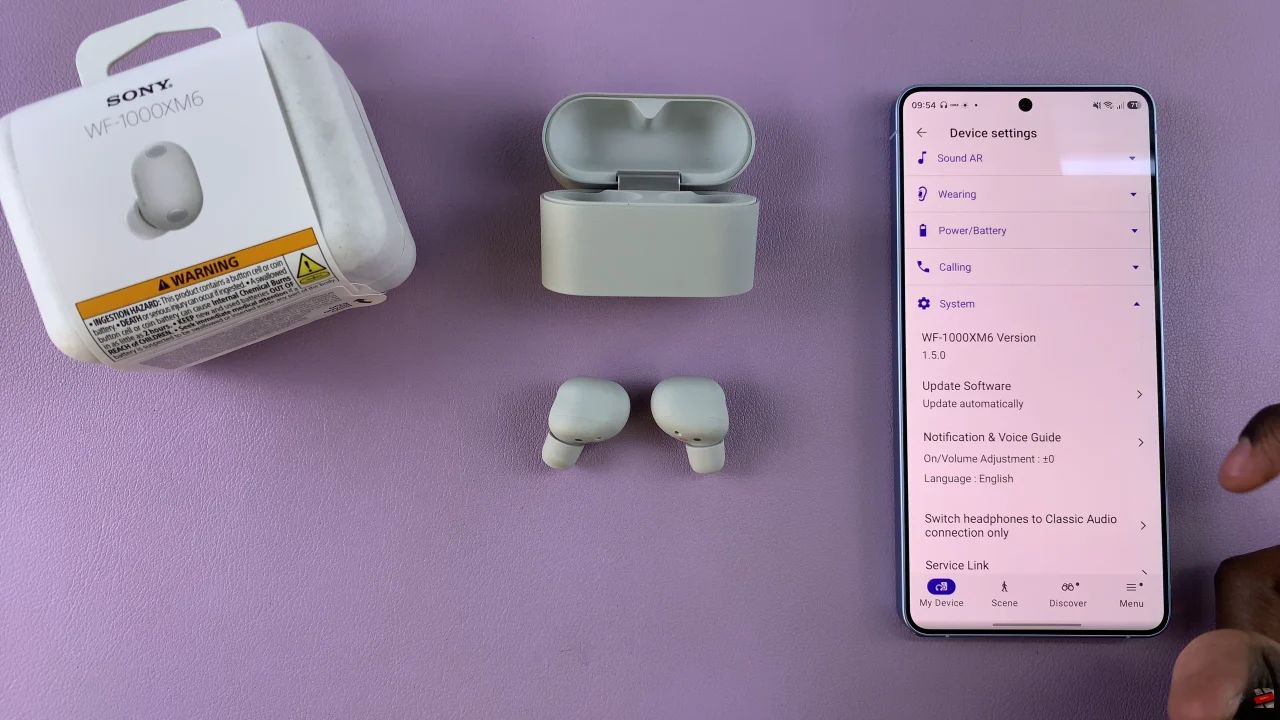
At this point, tap on ‘Update Status‘. If there’s an update available, tap on Update and follow the on-screen instructions that might appear. However, if your earbuds are up to date, you’ll be notified that the latest version has been installed.
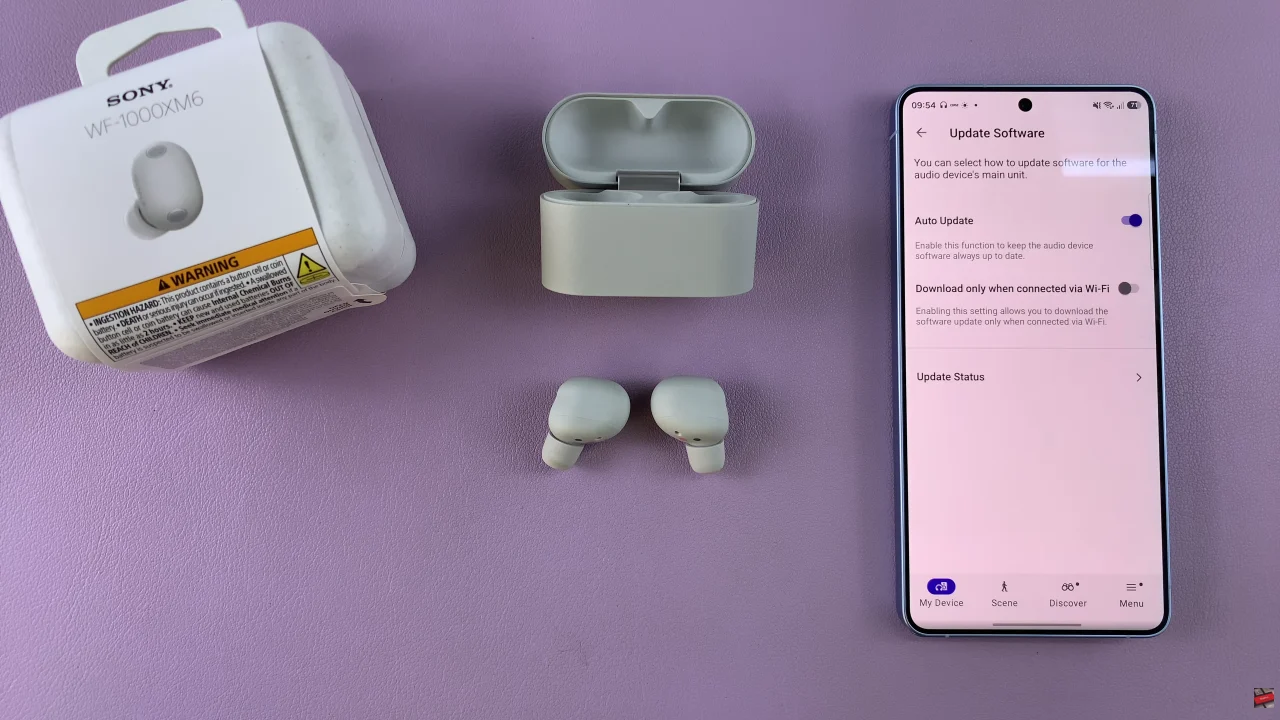
By following the steps in this guide, you can easily check for and install updates using the Sony Headphones Connect app without any hassle. Just remember to keep your earbuds charged and maintain a stable connection during the process to avoid interruptions.
Read: How To Enable Picture In Picture Mode On Samsung Galaxy Tab A11