Keeping your home security camera protected is essential, and setting a strong password on your Xiaomi Smart Camera C701 is one of the easiest ways to do it.
In this guide, we’ll show you step-by-step how to set or change your camera password on your Xiaomi Smart Camera C701. Ensure your footage remains private and secure.
Read: How To Enable Fire Detection On Xiaomi Smart Camera C701
Set Password On Xiaomi Smart Camera C701
To start, make sure your Xiaomi Smart Camera C701 is connected to your Wi-Fi network and linked to the Xiaomi Home app on your smartphone. Open the app and sign in with your Xiaomi account if you haven’t already.
From the app’s home screen, locate your Xiaomi Smart Camera C701 device. Tap on the camera to access its settings and live feed.
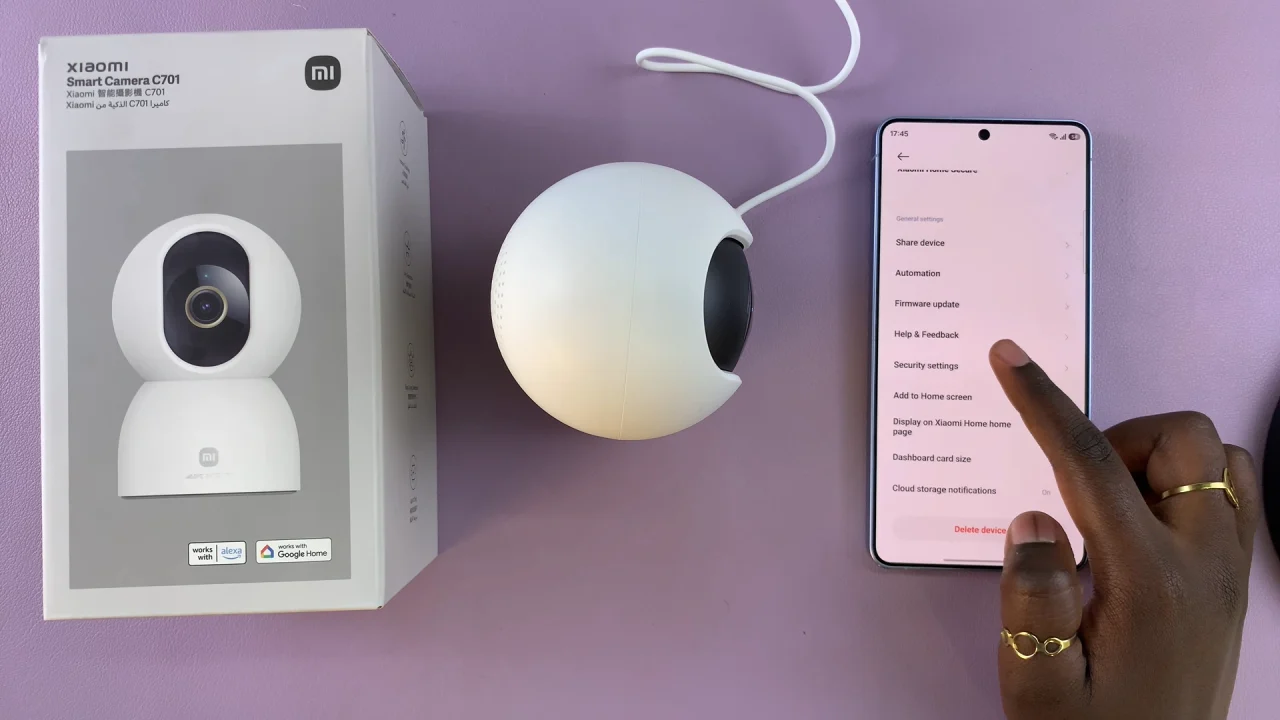
In the camera interface, find the three dots in the top-right corner. From there, scroll down and select Security Settings and choose Use Passwords.
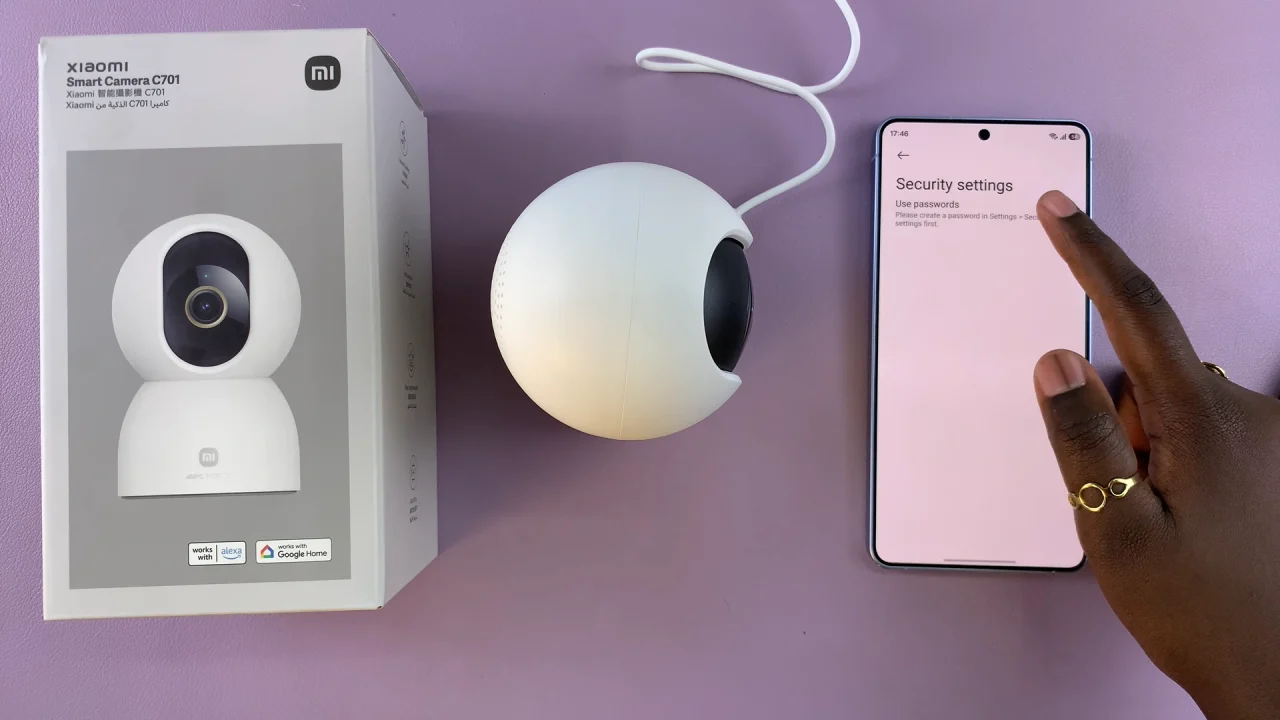
Tap on Set New Password and enter your new password.
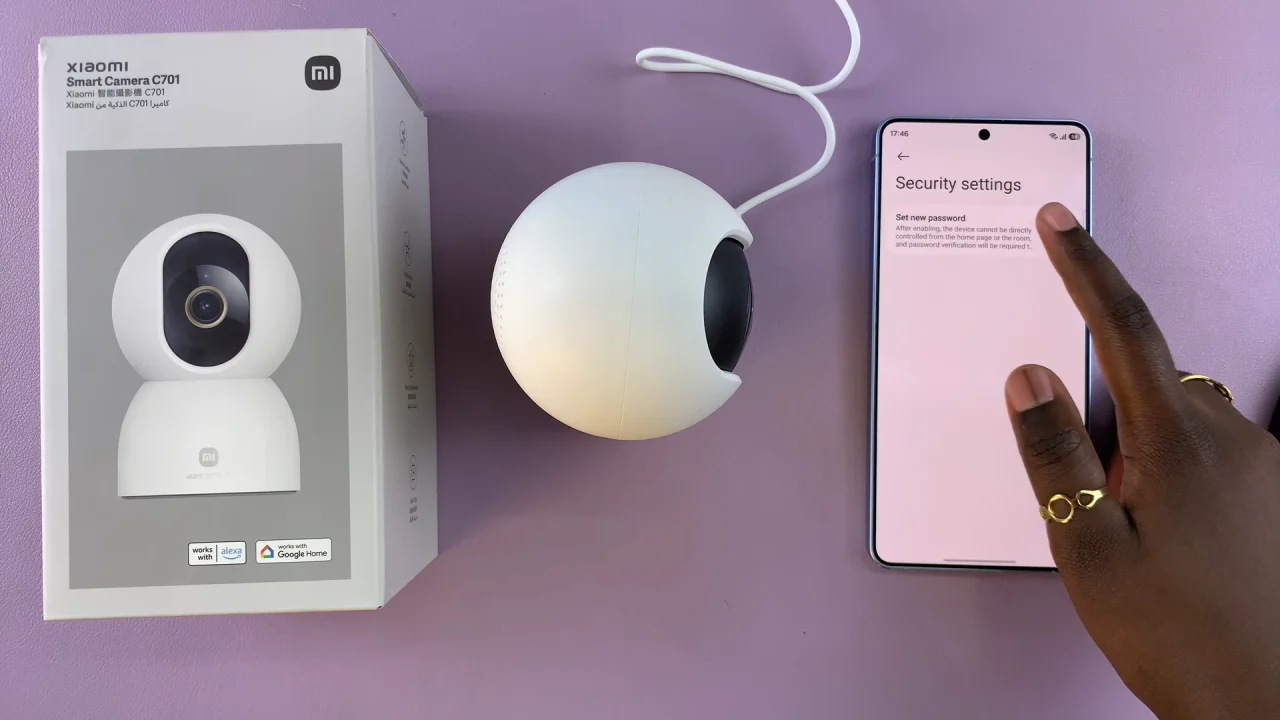
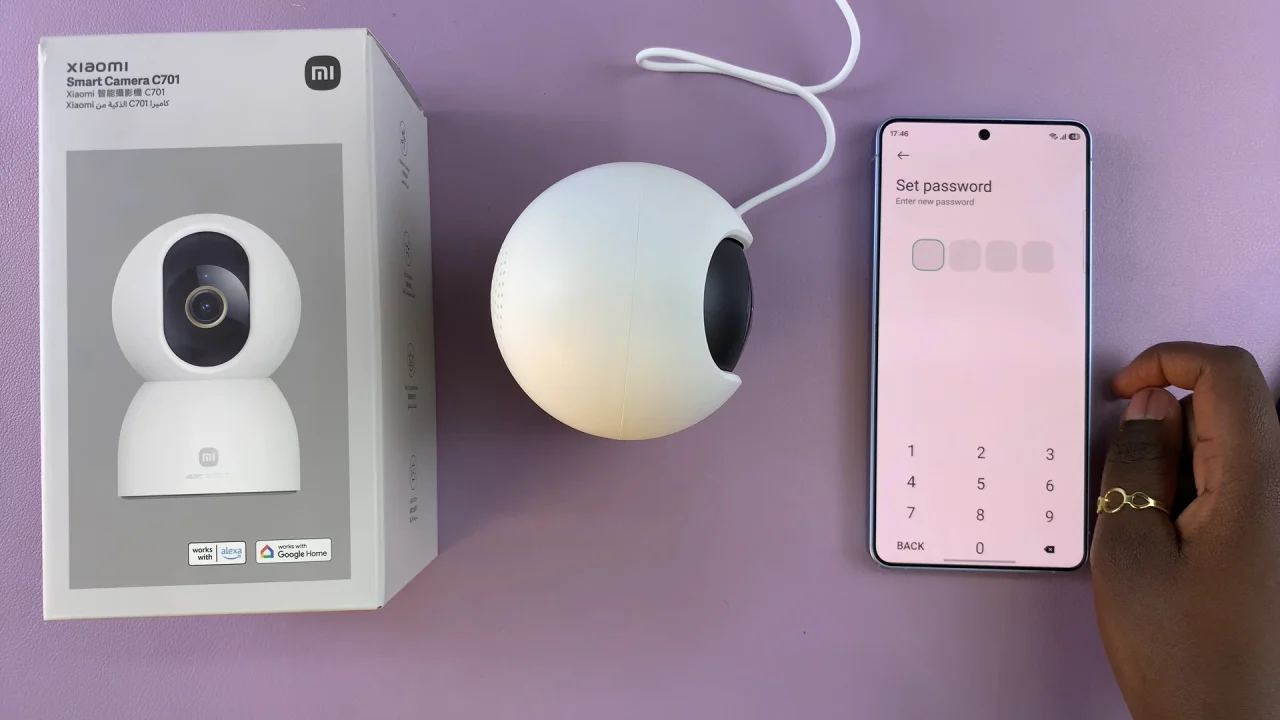
Make sure it’s strong and unique — a mix of letters, numbers, and symbols is best. Confirm the password by entering it again.
Finally, toggle on the switch next to your camera.
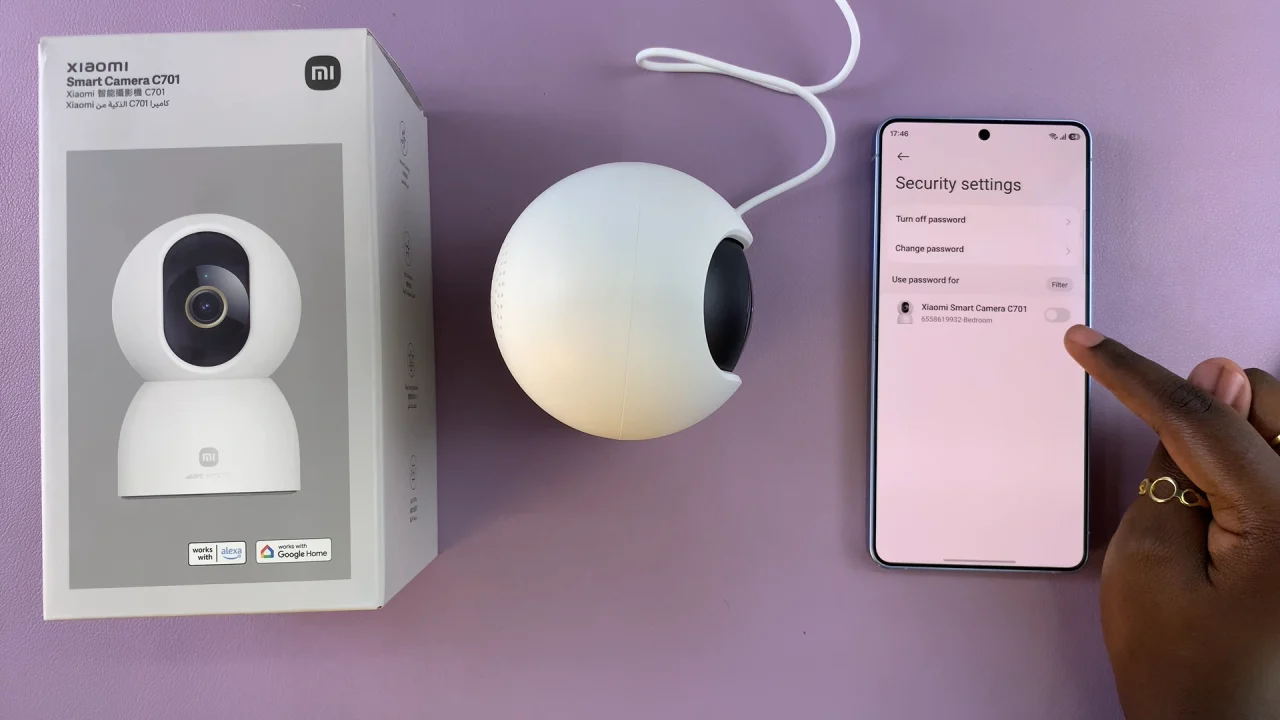
Once saved, your Xiaomi Smart Camera C701 will now require this password whenever someone tries to access it via the app.
Tips for a Strong Password
Use at least 8–12 characters.
Mix uppercase, lowercase, numbers, and symbols.
Avoid common passwords like 123456 or password.
Change your password regularly for added security.