WebPro Education

Tech tips everyday
Menu
  • REVIEWS
  • HOW TO
  • TECH NEWS
  • About Us
Home
how to
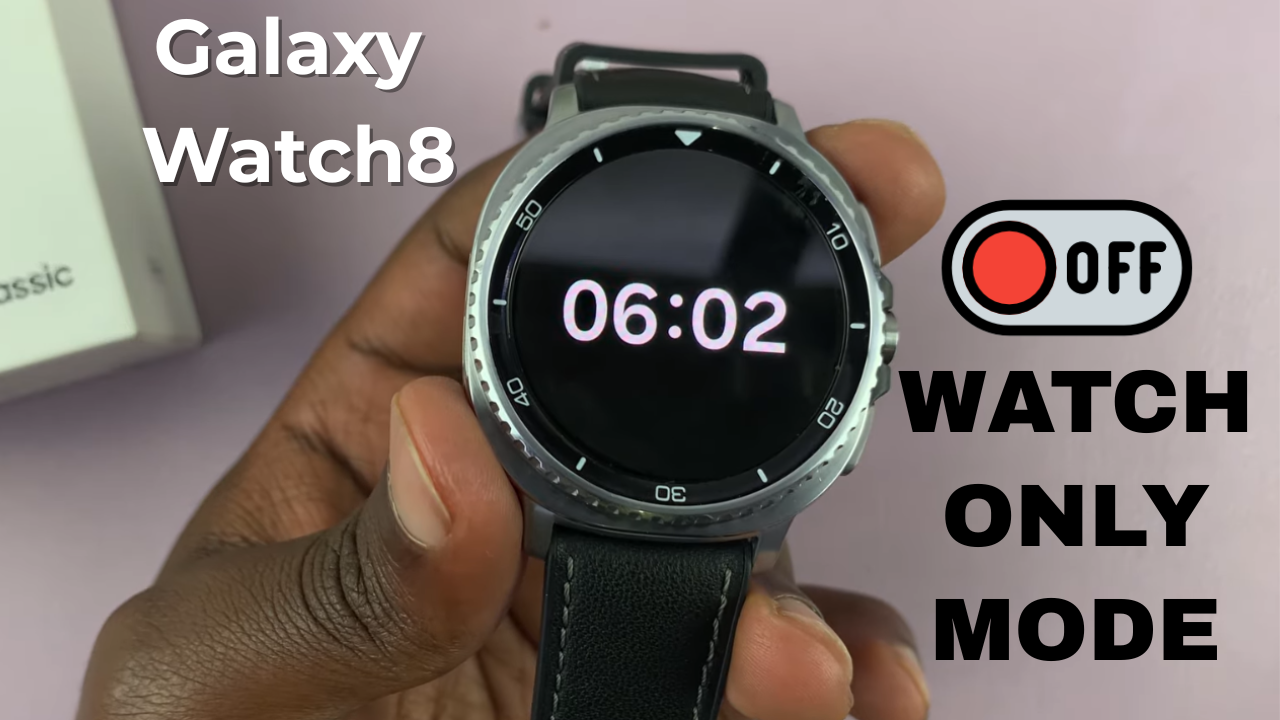
How To Disable Watch Only Mode On Samsung Galaxy Watch 8 / 8 Classic
how to

How To Disable Watch Only Mode On Samsung Galaxy Watch 8 / 8 Classic

Dennis Gacheru August 15, 2025

Video:How To Disable Watch Only Mode On Samsung Galaxy Watch 8 / 8 Classic

Disabling Watch Only Mode on the Samsung Galaxy Watch 8 and Galaxy Watch 8 Classic can quickly restore full functionality to your device. This mode is designed to extend battery life by limiting features, but there are times when you may want instant access to apps, notifications, and other smart capabilities.

With its advanced Wear OS integration and sleek design, the Galaxy Watch 8 series offers a smooth transition from power-saving settings back to its full smartwatch experience.

Watch:How To Enable Keyboard Sounds On Samsung Galaxy Watch 8 / 8 Classic

Disable Watch Only Mode On Samsung Galaxy Watch 8 / 8 Classic

Connect to Charger
Attach your Galaxy Watch 8 or 8 Classic to its charger so the device begins charging. This step is required to exit Watch Only Mode.
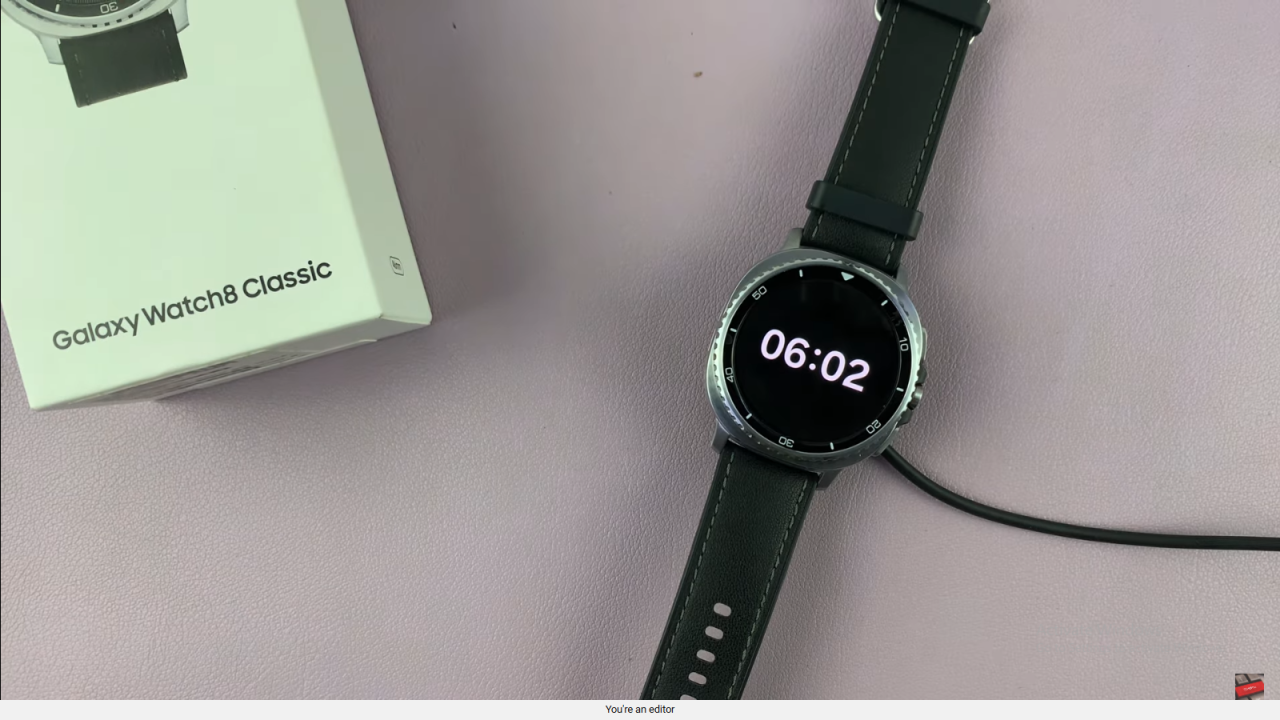
 Disable Watch Only Mode On Samsung Galaxy Watch 8 Classic

Long Press Home Button
While the watch is charging, press and hold the Home button until the battery animation appears, then continue holding.
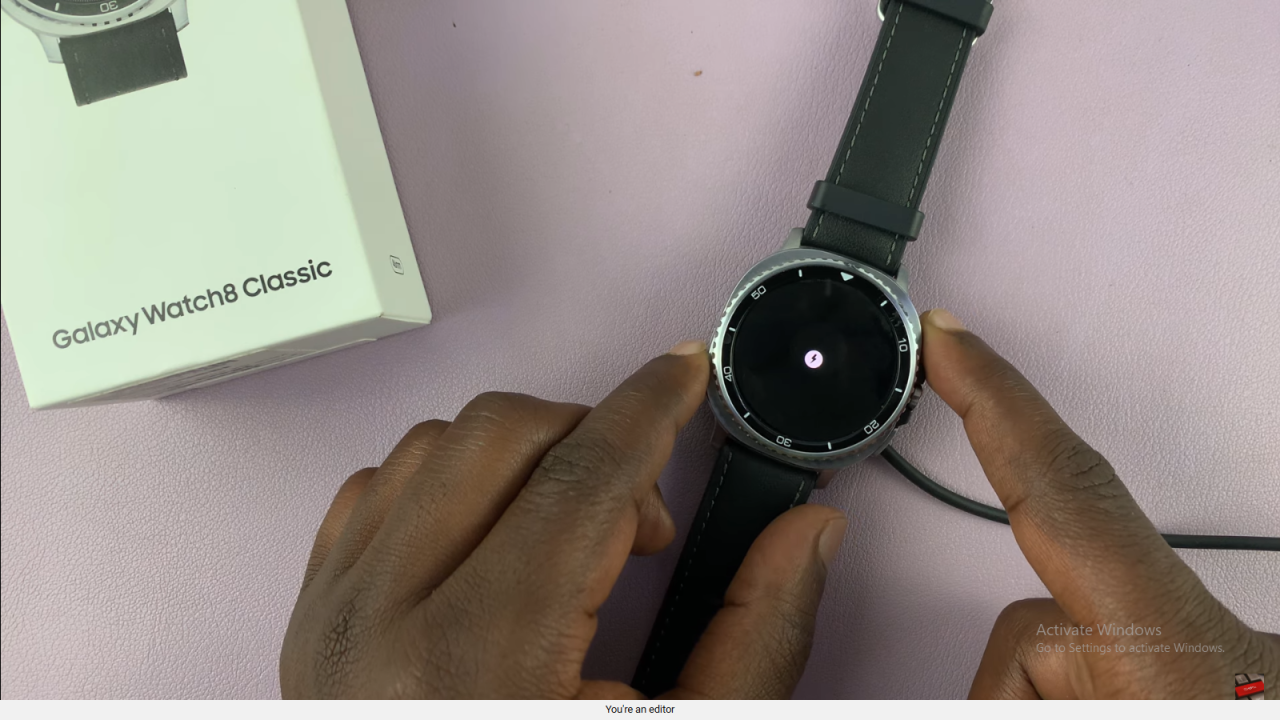
 Disable Watch Only Mode On Samsung Galaxy Watch 8 Classic

Watch Boots to Normal Mode
After the Samsung logo appears, release the button. The watch will restart and return to normal mode with all features enabled.
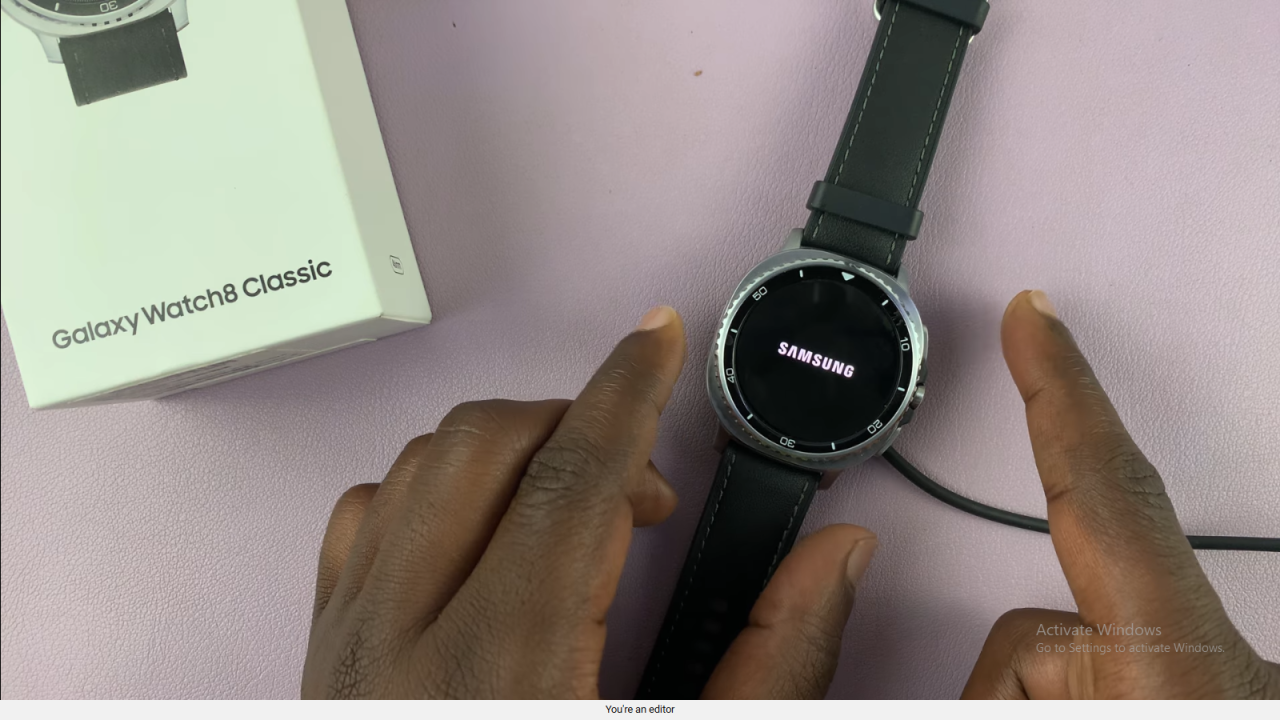
 Disable Watch Only Mode On Samsung Galaxy Watch 8 Classic

Tips & Conclusion
Ensure your watch has enough battery after exiting Watch Only Mode. This process works for both the Galaxy Watch 8 and 8 Classic.

Read:How To Enable Keyboard Sounds On Samsung Galaxy Watch 8 / 8 Classic


Share
Tweet
Linkedin
Reddit
Tumblr
Stumble
Whatsapp
Telegram
Email
Prev Article
Next Article

Related Articles

How To Switch to an Instagram Business Account

How To Switch to an Instagram Business Account

How To Convert PDF To Word On iPhone Without App Installation

How To Convert PDF To Word On iPhone Without App Installation

  • How To Add Timestamps To Photos On Xiaomi Smart Camera C701
  • How To Turn ON Status Light Of Xiaomi Smart Camera C701
  • How To Turn ON Pet Detection On Xiaomi Smart Camera C701
  • How To Set Password On Xiaomi Smart Camera C701
  • How To Recover Deleted Voice Recordings On Samsung Galaxy S26 Ultra
DMCA.com Protection Status

Associates Disclosure

WebPro Education is a participant in the Amazon Services LLC Associates Program, an affiliate advertising program designed to provide a means for sites to earn advertising fees by advertising and linking to amazon.com.

WebPro Education

Tech tips everyday
Copyright © 2026 WebPro Education

Ad Blocker Detected

Our website is made possible by displaying online advertisements to our visitors. Please consider supporting us by disabling your ad blocker.

Refresh