Video:How To Find Lost / Misplaced Airpods Pro 3
Losing your AirPods Pro 3 can be frustrating, especially when they seem to disappear right when you need them most. Fortunately, Apple provides powerful tracking features designed to help you locate misplaced or lost AirPods with ease. These tools integrate seamlessly with your iPhone, allowing you to pinpoint their last known location or even play a sound to guide you to them. Whether they slipped between couch cushions or were left behind somewhere, knowing where to look makes all the difference.
In addition, Apple’s ecosystem ensures that the process of finding your AirPods Pro 3 remains simple and reliable. With the right tools and quick actions, users can recover their devices efficiently without unnecessary stress. Understanding how to access and use these built-in tracking features not only saves time but also provides peace of mind, ensuring your AirPods are never out of reach for long.
Watch:Volume Swipe Controls Not Working On Airpods Pro 3 – FIX
Find Lost / Misplaced Airpods Pro 3
Open the Find My App
Start by opening the Find My app on your iPhone. This app helps you locate all your Apple devices linked to your Apple ID.
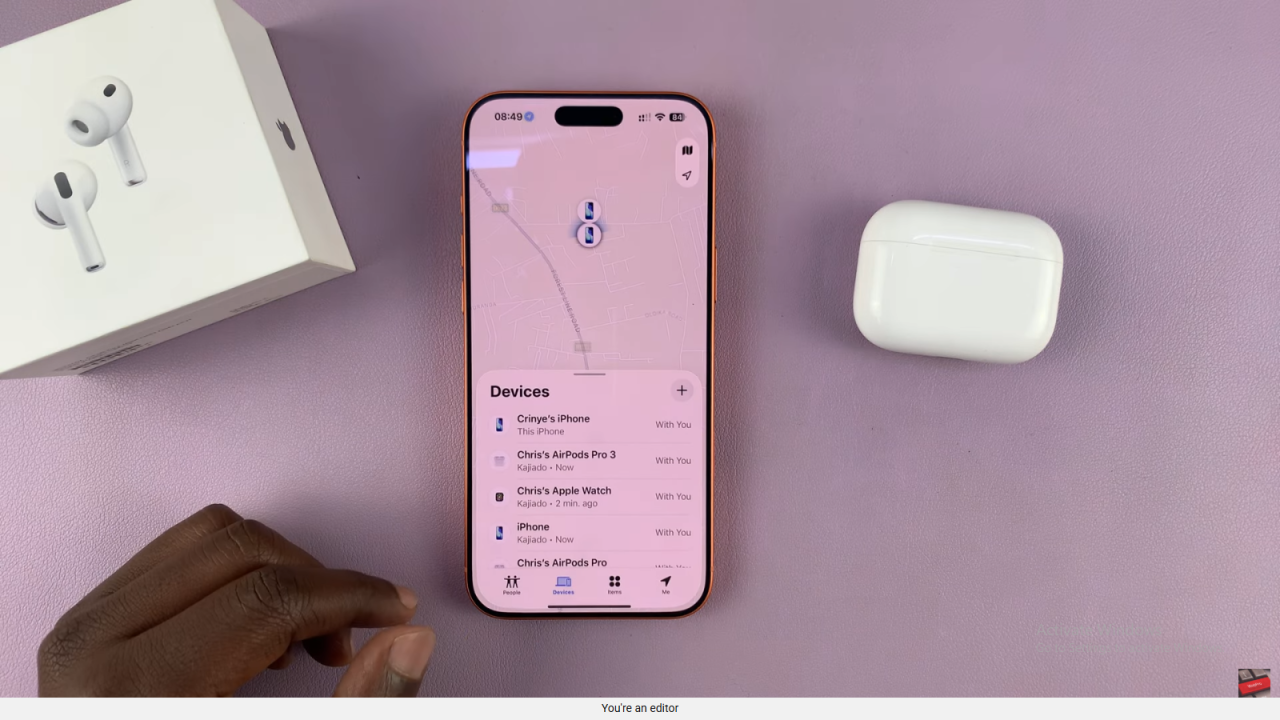
Locate Your AirPods Pro 3
In the list of devices, look for your AirPods Pro 3. Tap on them to view their current or last known location.
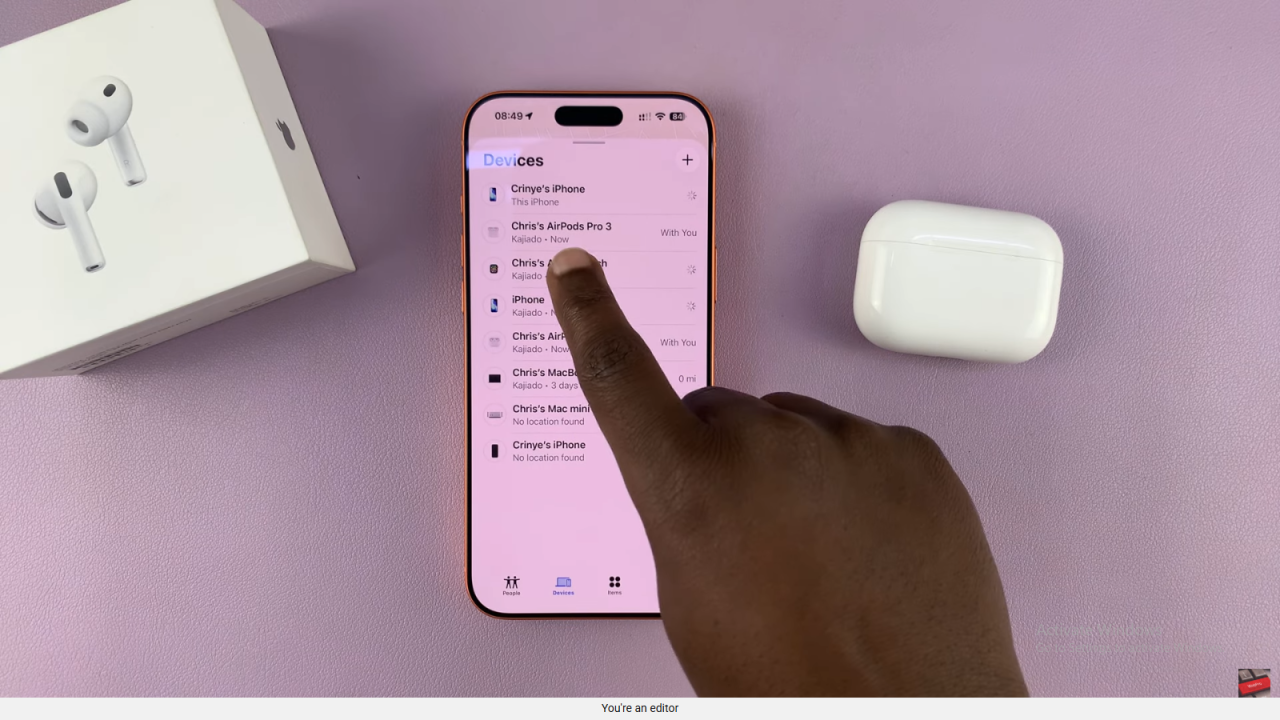
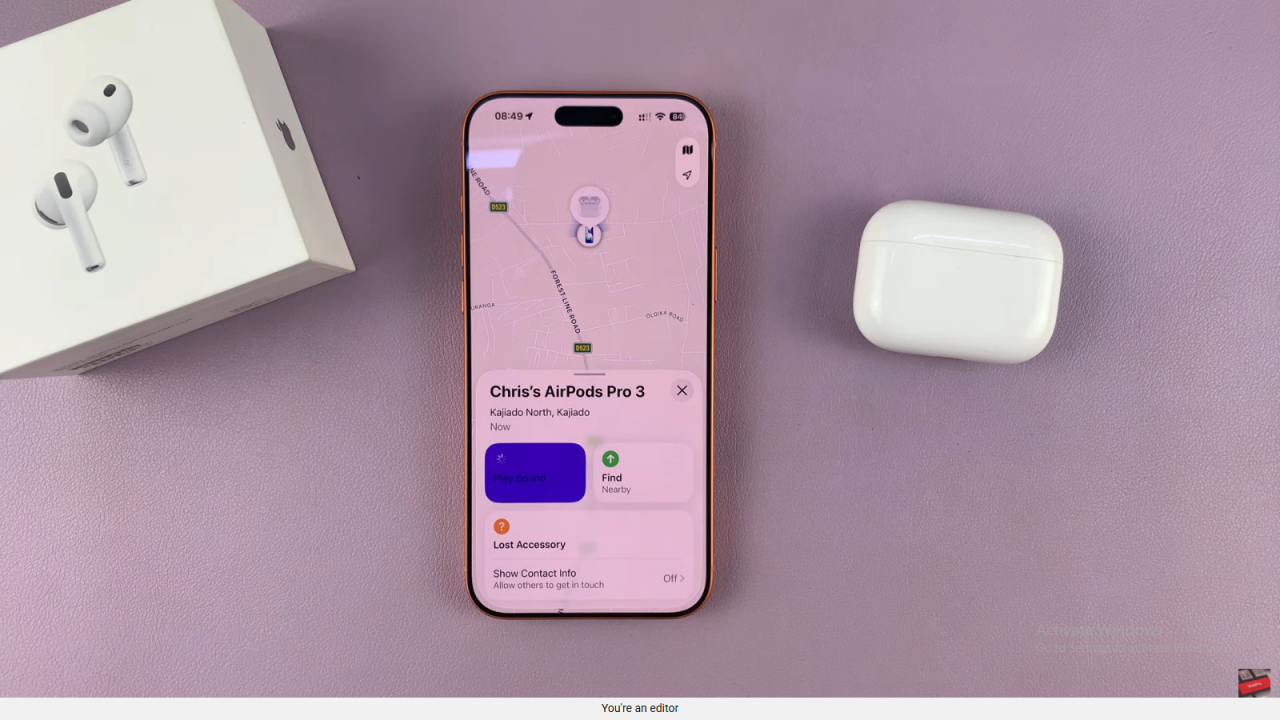
Play a Sound
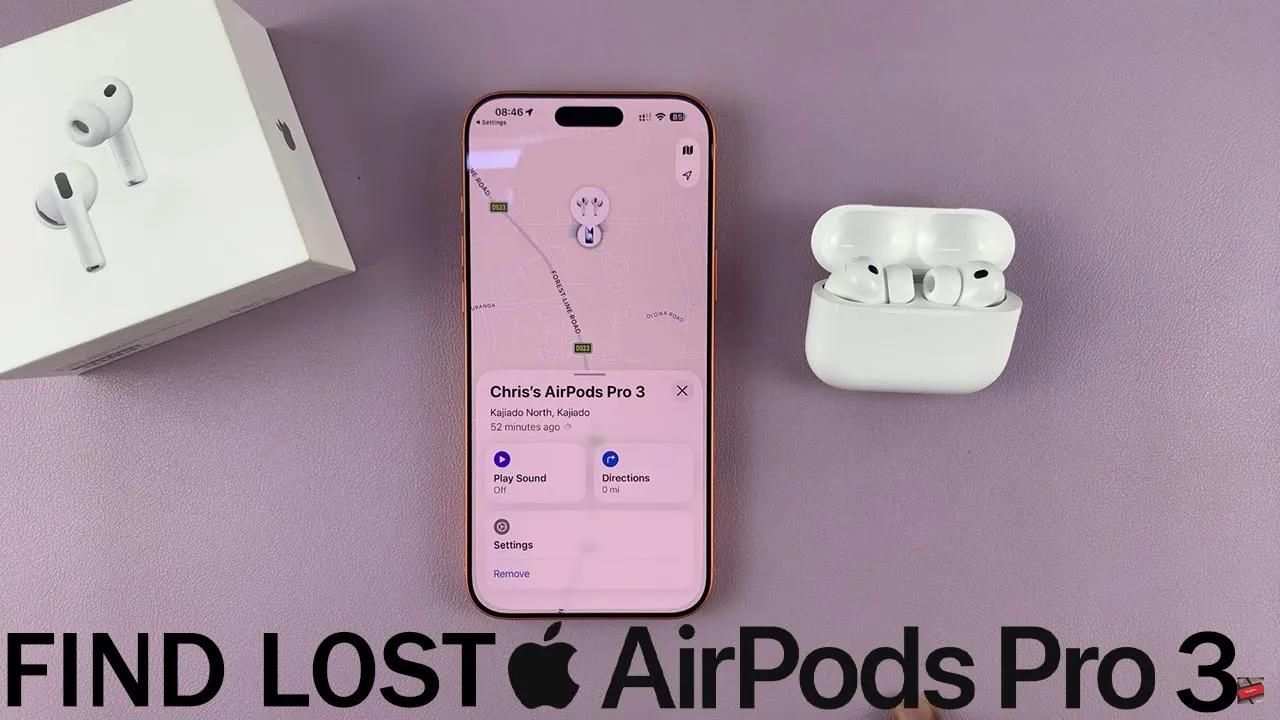
If your AirPods are nearby, tap Play Sound. The AirPods case or earbuds will emit a tone, helping you locate them easily.
Get Directions
If they’re not close, use the Directions option. Your iPhone will guide you to their last detected location on the map.
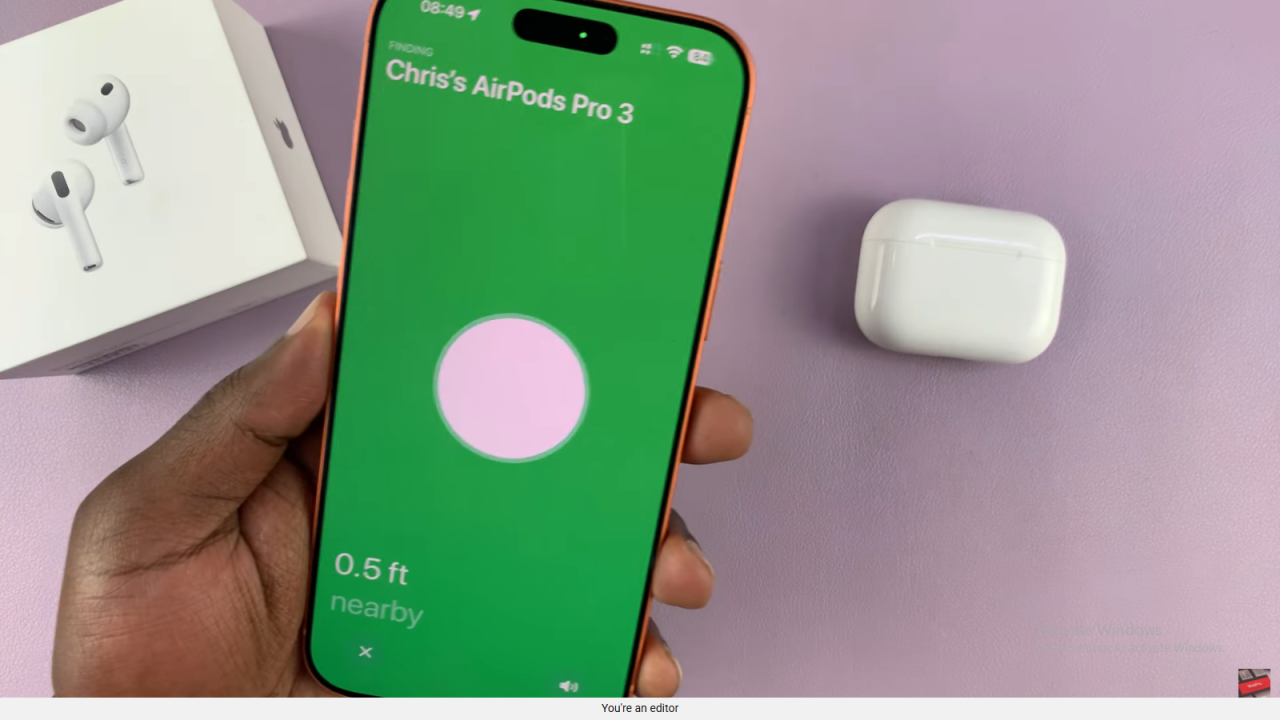
Find Individual Earbuds
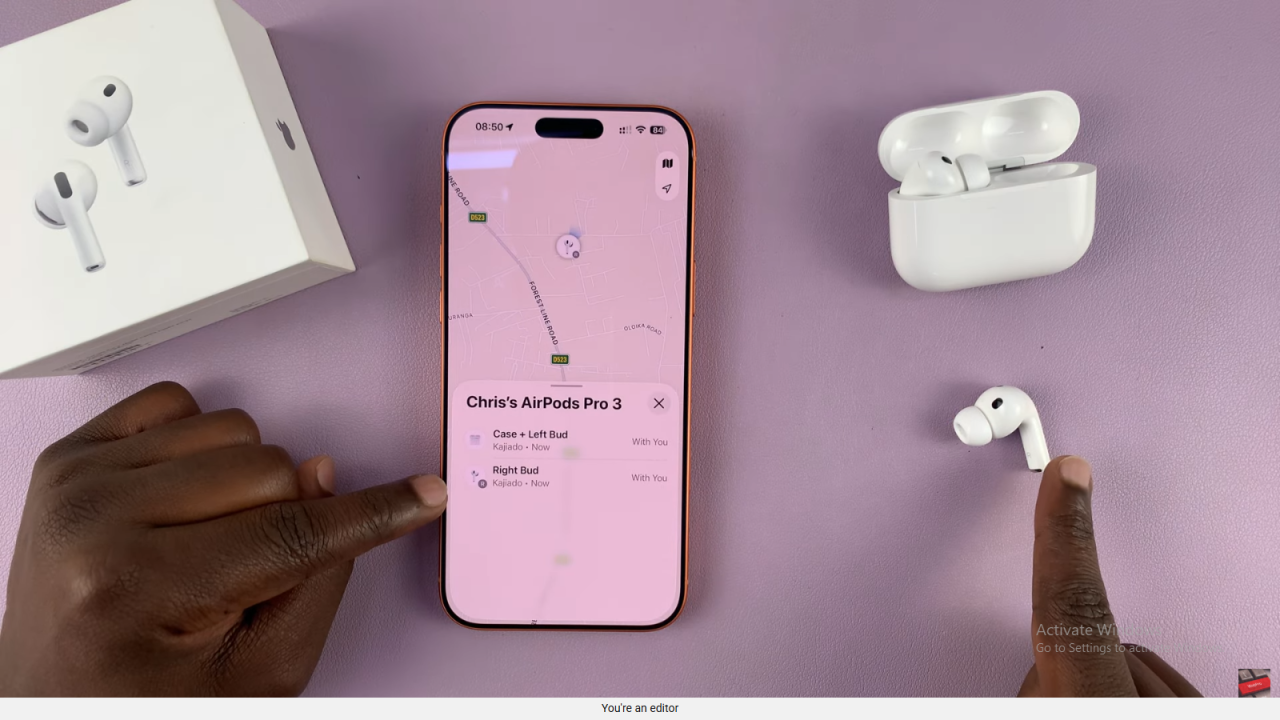
If one earbud is missing, you can also select it individually. Tap on the left (L) or right (R) earbud and play a sound to locate it separately.